The Best Open Source GUIs for Claude Code in 2026 (Compared)
Claude Code is one of the most powerful AI coding agents available today. It can refactor entire codebases, write tests, debug production issues, and commit clean diffs --- all from a single prompt. But its default interface is a terminal. For developers who want a richer experience --- cost visibility, parallel agents, git-aware diffs, MCP integrations --- a dedicated GUI makes a real difference.
This article compares the five most notable GUI options for Claude Code in 2026, including open-source projects, commercial tools, and Anthropic's own official desktop client. We tested each one, evaluated their feature sets, and ranked them so you can pick the right tool for your workflow.

Table of Contents
- Why Use a GUI for Claude Code?
- The Contenders
- 1. SuperBuilder (Best Overall)
- 2. Claudia / Opcode (Unmaintained)
- 3. Nimbalyst (Commercial)
- 4. OpenCovibe (Early Stage)
- 5. Claude Code Desktop (Official)
- Feature Comparison Table
- How We Evaluated
- Which One Should You Use?
- FAQ
Why Use a GUI for Claude Code?
Claude Code's terminal interface is functional, but it was designed for quick, single-threaded interactions. As soon as your usage grows beyond a few prompts per day, you run into friction:
- No cost visibility. Claude Code does not show you how much each message costs. If you are on a usage-based plan, you are flying blind until you check your Anthropic dashboard.
- No parallel agents. The CLI runs one conversation at a time. If you want to run two agents on different tasks, you need two terminal windows, two sessions, and manual context switching.
- No task queue. You cannot queue up five tasks and walk away. Each prompt blocks until the agent finishes.
- No visual diffs. The terminal dumps raw text. A GUI can render git-aware diffs with syntax highlighting.
- No MCP management. Configuring MCP servers means editing JSON files by hand. A GUI can expose toggleable skills with credentials management.
A good Claude Code GUI solves all of these problems while preserving the underlying power of the agent. The best ones add capabilities that the CLI simply cannot offer.
The Contenders
We looked at every notable GUI for Claude Code as of April 2026. Here are the five that made the cut:
| Tool | Type | Status |
|---|---|---|
| SuperBuilder | Open source desktop app | Actively maintained |
| Claudia (Opcode) | Open source desktop app | Unmaintained since Aug 2025 |
| Nimbalyst | Commercial desktop app | Active, paid |
| OpenCovibe | Open source web app | Early stage |
| Claude Code Desktop | Official Anthropic client | Active, subscription-locked |
Let's look at each one in detail.
1. SuperBuilder (Best Overall)
Website: superbuilder.sh Source: Open source (GitHub) Stack: Electron 40 + React 19 + TypeScript Price: Free
SuperBuilder is a free, open-source desktop app built specifically for running AI coding agents like Claude Code and Codex CLI. It wraps the Claude Code CLI in a polished native interface and adds a deep feature set that goes well beyond what the terminal offers.
What Makes It Stand Out
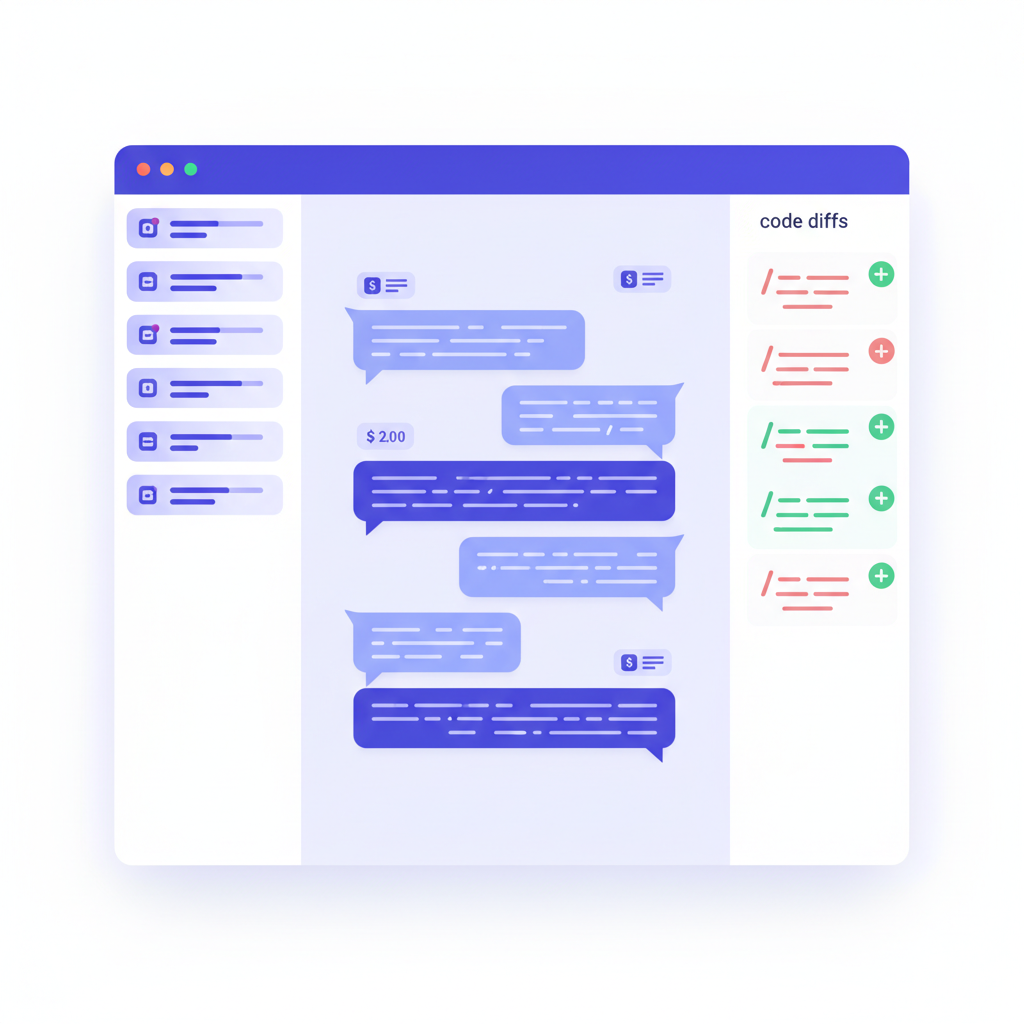
Per-message cost tracking. Every message in your conversation shows its individual cost. You can see exactly how much a refactoring task cost versus a test-writing task. This alone justifies switching from the raw CLI if you are on a usage-based plan.
Multi-thread parallel agents. Open multiple threads, each running its own Claude Code instance. Work on a frontend bug in one thread while another agent writes API tests in the background. Each thread has its own PTY process --- they do not interfere with each other.
Task queue. Queue up multiple prompts and let them execute sequentially. Start five tasks before lunch, come back to finished results. The queue handles spawning, waiting, and error recovery automatically.
Git-aware diffs. File changes are rendered as proper diffs with syntax highlighting, not raw terminal output. You can review what the agent changed before accepting.
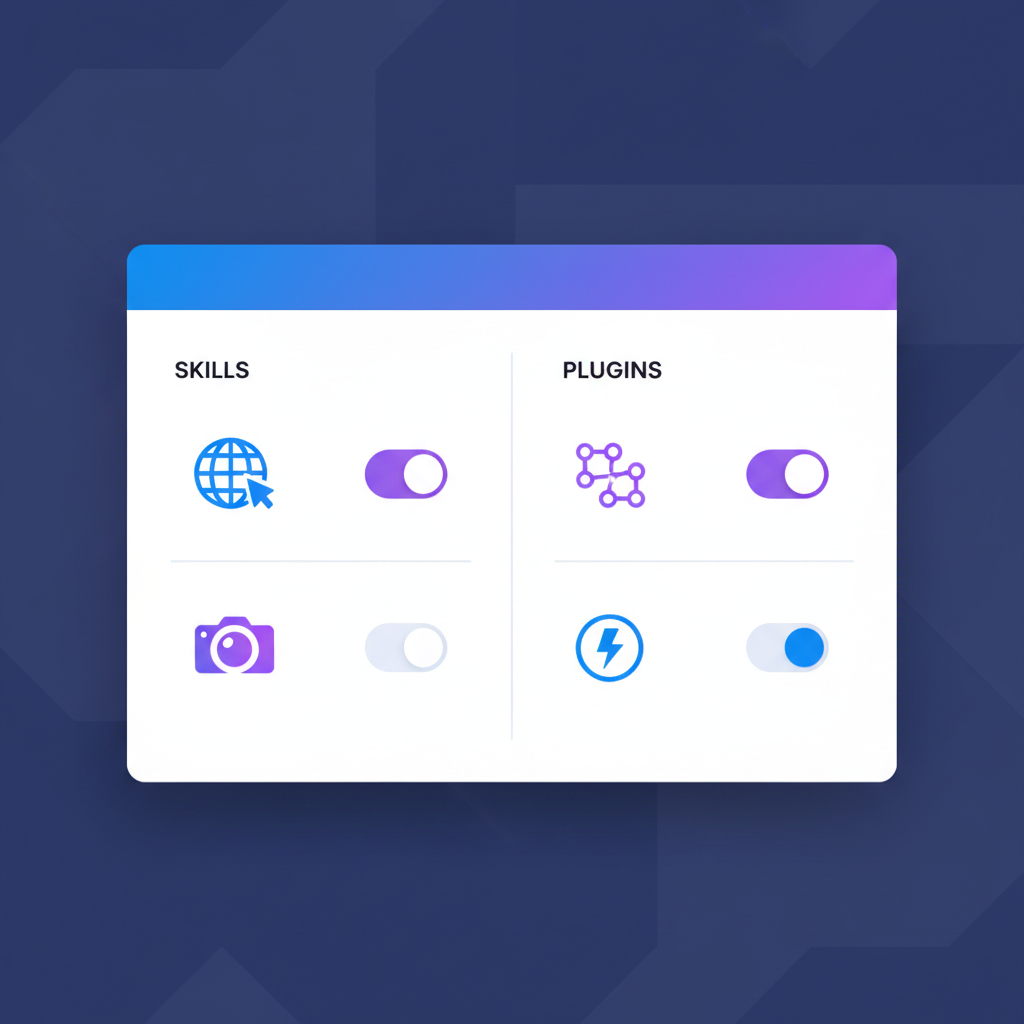
Built-in MCP and Skills. SuperBuilder ships with a built-in MCP server and a skills system. The browser skill gives Claude Code a persistent Chromium instance for web research and testing. The image generation skill connects to DALL-E for creating assets. You can toggle skills on and off from the settings panel --- no JSON editing required.
Debug mode. A dedicated debugging workflow that tracks hypotheses, logs structured data, and groups findings by issue. When you tell the agent to fix a bug, debug mode gives you visibility into its reasoning process.
Drive system. A built-in file manager for project assets. Images, documents, and generated files are organized per-project and searchable via Cmd+P.
Pros
- Completely free and open source
- Per-message cost tracking with dollar amounts
- True multi-agent support with parallel threads
- Task queue for batch processing
- Built-in MCP server with browser and image generation skills
- Native desktop app (macOS, with Linux/Windows support planned)
- Actively maintained with frequent updates
- Git-aware diff rendering
- Debug mode for structured problem-solving
- Variable system for reusable prompt snippets
Cons
- macOS-first (other platforms coming)
- Requires Claude Code CLI installed separately
- Relatively new project (launched early 2026)
Best For
Developers who want the most complete Claude Code experience without paying for a commercial tool. If you care about cost tracking, parallel agents, or MCP integrations, SuperBuilder is the clear choice.
Download SuperBuilder for free
2. Claudia / Opcode (Unmaintained)
Source: Open source (GitHub, 21K stars) Stack: Tauri 2 + Rust Price: Free Last updated: August 2025
Claudia (later renamed Opcode) was one of the first open-source GUIs for Claude Code and gained significant traction in mid-2025. Built on Tauri 2 with a Rust backend, it offered a lightweight alternative to running Claude Code in the terminal.

What It Offered
At its peak, Claudia provided a clean conversation interface for Claude Code with basic session management. The Tauri architecture meant small binary sizes and low memory usage compared to Electron-based alternatives. It supported conversation history, basic theming, and a minimal settings panel.
The project accumulated 21,000 GitHub stars, which speaks to the demand for Claude Code GUIs. Many developers discovered that wrapping the CLI in a proper UI was not just a convenience --- it fundamentally changed how they interacted with the agent.
Why It Stalled
The last meaningful commit was in August 2025. The maintainers did not provide a public explanation, but the repository has had no activity for over seven months. Open issues and pull requests remain unaddressed. For a tool that wraps a rapidly evolving CLI, seven months of inactivity means serious compatibility concerns.
Claude Code has shipped multiple breaking changes to its streaming JSON format since August 2025. Any GUI that has not kept up with these changes will likely encounter parsing errors, missing messages, or crashes.
Pros
- Small binary size (Tauri advantage)
- Low memory footprint
- Large community (21K stars)
- Clean, minimal interface
Cons
- Unmaintained since August 2025 --- this is the dealbreaker
- No cost tracking
- No multi-agent support
- No task queue
- No MCP integration
- Likely broken with current Claude Code CLI versions
- Open issues and PRs ignored
Best For
Historical reference only. If you need a working Claude Code GUI today, look elsewhere. The 21K stars reflect past demand, not current viability.
3. Nimbalyst (Commercial)
Website: nimbalyst.com Source: Closed source Price: Paid (subscription)
Nimbalyst is a commercial desktop application that supports multiple AI coding agents, including Claude Code. It positions itself as an "AI development environment" rather than a simple GUI wrapper.
What It Offers
Nimbalyst provides a polished interface with project management features, conversation history, and some integration capabilities. The commercial backing means regular updates and customer support.
The tool supports multiple AI providers beyond Claude Code, which can be useful if your team uses different agents for different tasks. The interface is well-designed and feels production-ready.
The Catch
Nimbalyst requires a paid subscription on top of your Anthropic API costs. For Claude Code specifically, you are paying for a GUI layer over a CLI that you already pay to use. The closed-source nature means you cannot inspect what the tool does with your API keys or conversation data.
Feature-wise, Nimbalyst offers less than SuperBuilder in the areas that matter most for Claude Code users: no per-message cost tracking, limited multi-agent support, and no built-in MCP skills system.
Pros
- Professional, polished interface
- Regular updates and customer support
- Multi-provider support (not just Claude Code)
- Good onboarding experience
Cons
- Paid subscription required
- Closed source
- No per-message cost tracking
- Limited multi-agent capabilities
- No built-in MCP/skills system
- API key handling is opaque
Best For
Teams that need commercial support and use multiple AI providers. If you only use Claude Code and want the deepest feature set, the free alternatives offer more.
4. OpenCovibe (Early Stage)
Source: Open source (GitHub) Stack: Web-based Price: Free
OpenCovibe is an early-stage open-source project that provides a web-based interface for Claude Code. It takes a different architectural approach from the desktop apps on this list --- instead of wrapping the CLI locally, it runs as a web application.
What It Offers
OpenCovibe provides basic conversation management and a clean web UI. The web-based approach means it works on any platform with a browser, which is an advantage over platform-specific desktop apps.
The project is still in its early stages, with limited features compared to more mature alternatives. The core conversation loop works, but advanced features like cost tracking, multi-agent support, and MCP integration are not yet implemented.
Current Limitations
As an early-stage project, OpenCovibe has significant gaps. The web architecture introduces latency and complexity for what is fundamentally a local CLI tool. Running Claude Code through a web intermediary adds a layer of abstraction that can cause issues with file system access, PTY management, and real-time streaming.
The contributor base is small, and the pace of development is uncertain. For a tool you rely on daily, stability and maintenance cadence matter.
Pros
- Open source and free
- Cross-platform (web-based)
- Clean, modern interface
- No installation required (beyond the web server)
Cons
- Very early stage --- limited features
- No cost tracking
- No multi-agent support
- No MCP integration
- Web architecture adds latency for local CLI usage
- Small contributor base
- Uncertain development pace
Best For
Developers who want a cross-platform web UI and are comfortable with early-stage software. Worth watching, but not ready for daily use in April 2026.
5. Claude Code Desktop (Official)
Source: Closed source (Anthropic) Price: Included with Claude Pro/Team/Enterprise subscription
Claude Code Desktop is Anthropic's official graphical interface for Claude Code. It ships as part of the Claude desktop application and provides a first-party experience for running the coding agent.

What It Offers
As the official client, Claude Code Desktop has the tightest integration with the underlying agent. It handles authentication natively, supports Anthropic's latest features immediately, and provides a consistent experience that Anthropic directly maintains.
The interface is clean and functional. Conversation history syncs across devices if you are on a Team or Enterprise plan. The tool receives updates alongside Claude Code itself, so compatibility is never an issue.
The Limitations
Claude Code Desktop requires an active Claude Pro, Team, or Enterprise subscription. You cannot use it with direct API access only. This means you are locked into Anthropic's subscription pricing rather than pay-as-you-go API pricing, which can be significantly more expensive for heavy users or significantly cheaper for light users depending on your usage patterns.
The feature set is deliberately conservative. Anthropic focuses on reliability and simplicity rather than power-user features. There is no per-message cost breakdown (ironic, given that Anthropic has this data), no multi-agent parallel execution, no task queue, and no extensibility through MCP skills.
For developers who want to push Claude Code to its limits --- running multiple agents, tracking costs, integrating custom tools --- the official client feels restrictive.
Pros
- First-party Anthropic product
- Always compatible with latest Claude Code
- Clean, reliable interface
- Cross-device sync (Team/Enterprise)
- No setup required beyond subscription
Cons
- Requires paid subscription (not API-only)
- Closed source
- No per-message cost tracking
- No multi-agent support
- No task queue
- No MCP/skills extensibility
- Conservative feature set
- Cannot use with your own API key directly
Best For
Developers who already have a Claude Pro or Team subscription and want a zero-configuration experience. If simplicity and first-party support matter more than features, this is a solid choice.
Feature Comparison Table
| Feature | SuperBuilder | Claudia/Opcode | Nimbalyst | OpenCovibe | Claude Desktop |
|---|---|---|---|---|---|
| Open Source | Yes | Yes | No | Yes | No |
| Per-Message Cost Tracking | Yes | No | No | No | No |
| Multi-Agent (Parallel) | Yes | No | Limited | No | No |
| Task Queue | Yes | No | No | No | No |
| MCP / Skills Support | Yes (built-in) | No | Limited | No | No |
| Git-Aware Diffs | Yes | No | Basic | No | Basic |
| Browser Skill | Yes | No | No | No | No |
| Image Generation | Yes | No | No | No | No |
| Debug Mode | Yes | No | No | No | No |
| Drive / File Management | Yes | No | Basic | No | No |
| Price | Free | Free | Paid | Free | Subscription |
| Status (Apr 2026) | Active | Unmaintained | Active | Early stage | Active |
| Platform | macOS | macOS/Linux/Win | macOS/Win | Web | macOS/Win |
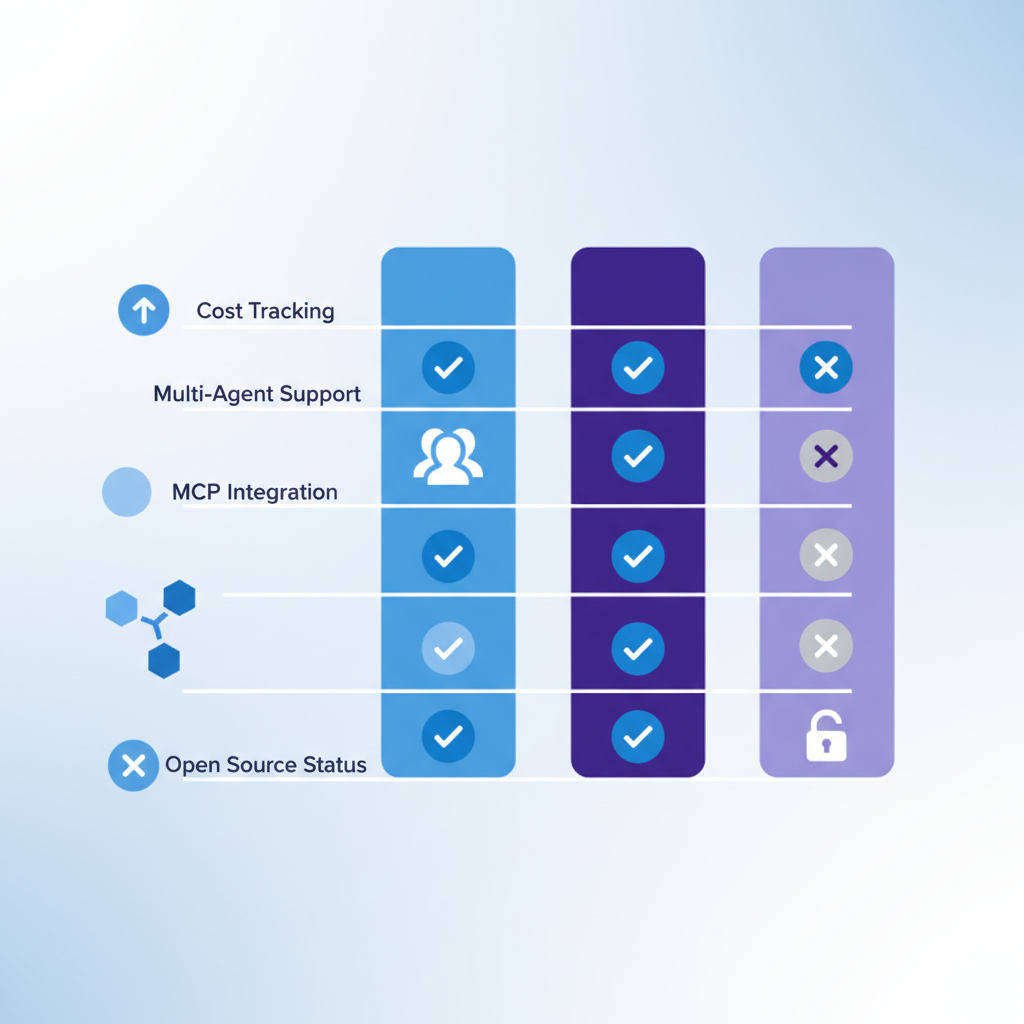
SuperBuilder leads in every feature category except cross-platform availability, which is on its roadmap. For developers who primarily work on macOS, the choice is straightforward.
How We Evaluated
We tested each tool against five criteria that matter most for daily Claude Code usage:
1. Cost Visibility
AI coding agents can burn through API credits quickly. A single complex refactoring task can cost $2-5 in API calls. Without per-message cost tracking, you have no way to optimize your prompts or catch runaway tasks. Only SuperBuilder provides this.
2. Multi-Agent Workflow
Modern development often requires working on multiple tasks simultaneously. Can you run a test-writing agent in one thread while a refactoring agent works in another? True parallel execution --- not just multiple windows --- requires purpose-built architecture with isolated PTY processes per thread.
3. Extensibility
MCP (Model Context Protocol) is becoming the standard for extending AI agent capabilities. A GUI that supports MCP lets you add custom tools, data sources, and skills without modifying the agent itself. Built-in skills like web browsing and image generation add immediate value.
4. Maintenance and Reliability
A Claude Code GUI must keep pace with CLI updates. Anthropic ships breaking changes regularly. An unmaintained GUI becomes a broken GUI within months. We weighted active maintenance heavily.
5. Openness and Trust
When a tool has access to your codebase and API keys, open source matters. You should be able to audit what the tool does with your data. Closed-source tools require trust that open-source tools make verifiable.
Which One Should You Use?
If you want the most features for free: SuperBuilder. It offers per-message cost tracking, multi-agent parallel execution, task queuing, built-in MCP skills, and active maintenance --- all at no cost. It is the most complete Claude Code GUI available in 2026.
If you need commercial support: Nimbalyst. The paid subscription gets you a support team and a polished product, though the feature set is thinner than SuperBuilder's.
If you want zero configuration: Claude Code Desktop. If you already pay for Claude Pro or Team, the official client works out of the box with no setup.
If you want cross-platform web access: Keep an eye on OpenCovibe. It is not ready for production use yet, but the web-based approach has potential.
If you are considering Claudia/Opcode: Don't. It has been unmaintained for seven months and is almost certainly incompatible with the current Claude Code CLI.
For most developers, SuperBuilder is the right choice. It combines the deepest feature set with active maintenance, open-source transparency, and a price tag of zero. The per-message cost tracking alone can save you money by making your API usage visible.
Download SuperBuilder and start running Claude Code with full visibility and control.
FAQ
Can I use these GUIs with my own Anthropic API key?
SuperBuilder, Claudia, and OpenCovibe all work with your own API key through the Claude Code CLI. Nimbalyst supports API keys as well. Claude Code Desktop requires an Anthropic subscription and does not support direct API key usage.
Do these GUIs modify how Claude Code works?
No. These tools wrap the Claude Code CLI --- they do not modify the underlying agent. The AI capabilities are identical regardless of which GUI you use. The difference is in the surrounding experience: cost tracking, multi-agent management, MCP skills, and UI quality.
Is SuperBuilder really free?
Yes. SuperBuilder is open source and free to use. You still need to pay for Claude Code API usage (or have a subscription), but the GUI itself costs nothing.
Can I run Codex CLI through these GUIs too?
SuperBuilder supports both Claude Code and Codex CLI. The other tools on this list are Claude Code-specific.
What about Cursor or Windsurf?
Cursor and Windsurf are AI-powered IDEs, not Claude Code GUIs. They use their own AI integrations and do not wrap the Claude Code CLI. They are a different category of tool entirely. If you are interested in that comparison, see our analysis of AI IDEs versus agent platforms.
How does cost tracking work in SuperBuilder?
SuperBuilder parses the streaming JSON output from Claude Code, which includes token counts per message. It calculates the cost using current Anthropic pricing and displays it inline next to each message. You can see per-message costs, per-thread totals, and overall spending.
Is multi-agent execution safe?
Yes. Each thread in SuperBuilder runs its own isolated Claude Code process with its own PTY. Threads do not share state, file locks, or context. The main risk is the same as running multiple terminal sessions: concurrent file edits can conflict. Use separate branches or directories for parallel tasks.
What platforms does SuperBuilder support?
SuperBuilder currently supports macOS with Apple Silicon and Intel builds. Linux and Windows support are on the roadmap.
Conclusion
The Claude Code GUI landscape in 2026 has a clear leader. SuperBuilder offers the most complete feature set --- cost tracking, multi-agent parallel execution, task queuing, built-in MCP skills, debug mode, and a drive system --- all in a free, open-source package.
The alternatives each have a role: Claude Code Desktop for zero-config simplicity, Nimbalyst for commercial support, and OpenCovibe as an emerging web option. But for developers who want full visibility and control over their Claude Code workflow, SuperBuilder is the tool to use.
Get started with SuperBuilder --- it takes less than two minutes to install and connect to your existing Claude Code setup.
