How to Track Claude Code Costs Per Message (Without Third-Party Tools)
Claude Code is one of the most powerful AI coding agents available today. It can refactor entire codebases, write test suites from scratch, and debug complex multi-file issues in minutes. But that power comes with a price tag that is surprisingly hard to monitor. Developers routinely report spending $50, $100, or even $300+ per day on Claude Code without realizing it until the invoice arrives.
The core problem is visibility. Claude Code runs in your terminal, processes thousands of tokens per interaction, and gives you zero real-time feedback about what each message costs. You finish a coding session, check your Anthropic dashboard the next day, and discover you burned through your entire monthly budget in an afternoon.
This guide covers why Claude Code cost tracking matters, what tools currently exist, and how to get real-time per-message cost visibility using SuperBuilder — a free, open-source desktop app for AI coding agents.
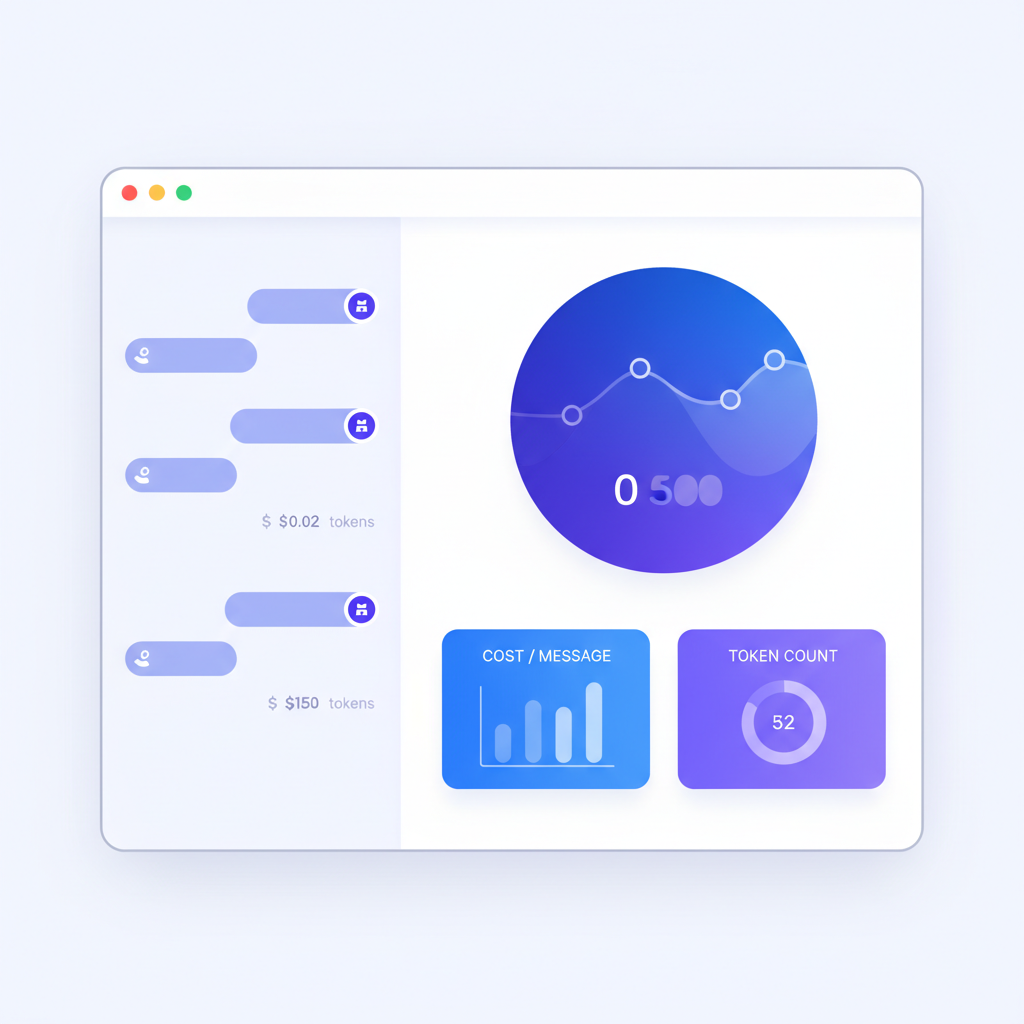
Why Claude Code Costs Spiral Out of Control
Claude Code is not a simple chatbot. When you ask it to "refactor the authentication module," it reads dozens of files, builds a mental model of your codebase, writes code, runs tests, reads error output, and iterates. A single prompt can trigger a chain of tool calls that consumes tens of thousands of tokens across multiple turns.
Here is what makes costs unpredictable:
Large Context Windows Are Expensive
Claude Code uses Claude 3.5 Sonnet or Claude 3 Opus under the hood. Every interaction includes your system prompt, conversation history, file contents, and tool results. A typical mid-session message might carry 50,000-100,000 input tokens before Claude even starts generating a response. At Anthropic's current pricing, that context alone costs $0.15-$0.30 per message for Sonnet, and significantly more for Opus.
Tool Use Multiplies Token Consumption
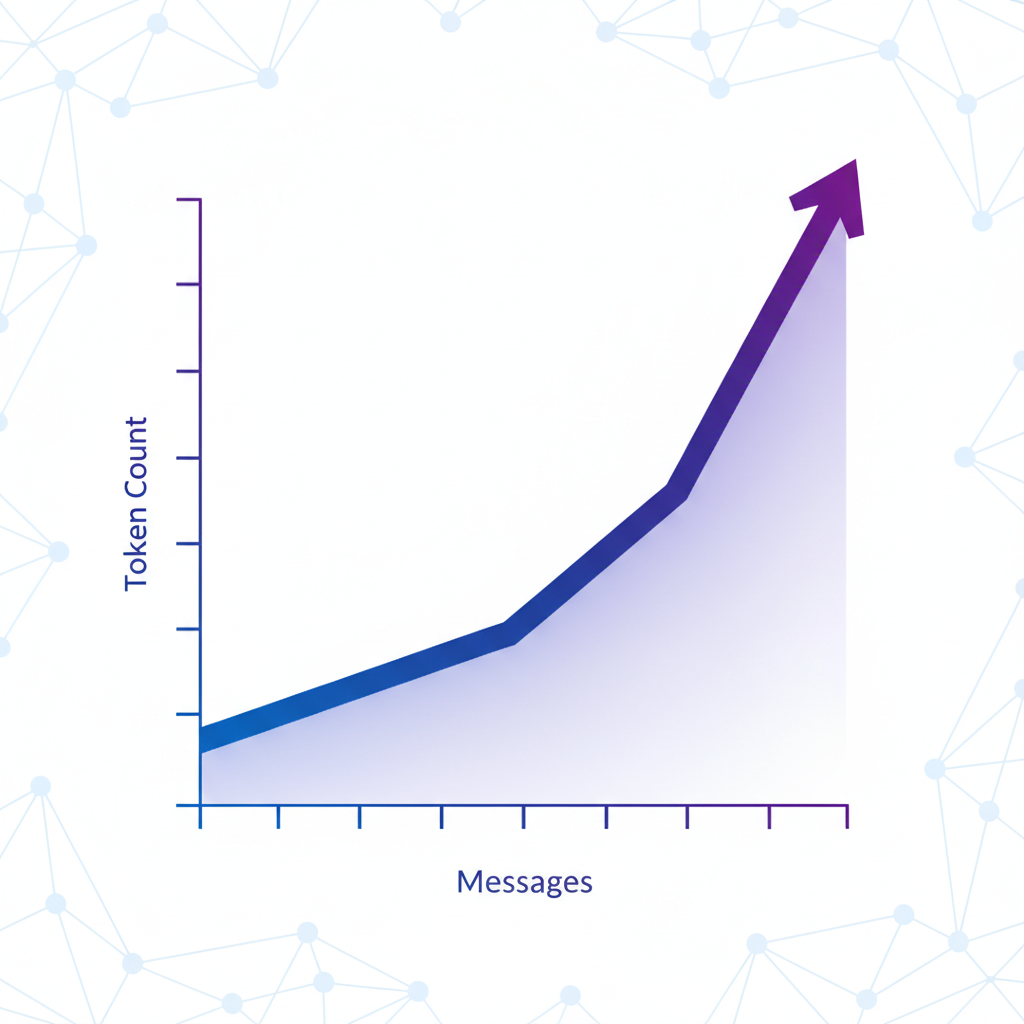
When Claude Code reads a file, it becomes part of the conversation context. When it runs a command and reads the output, that is more tokens. A single "fix this bug" prompt can result in 5-15 tool calls, each adding thousands of tokens to the running context. The conversation grows with every turn, and you pay for the full context on each subsequent message.
No Built-In Cost Feedback
The Claude Code CLI shows you the response. It does not show you the token count, the cost, or even a warning when you are approaching a spending threshold. You are flying blind. This is the fundamental problem — developers cannot optimize what they cannot see.
Session Length Compounds the Issue
The longer your session, the larger the context window, and the more expensive each message becomes. A fresh session might cost $0.02 per message. After 30 turns of back-and-forth debugging, the same type of message might cost $0.50 or more because the entire conversation history is included in every request.
Existing Solutions for Claude Code Cost Tracking
Before we get to real-time tracking, let us look at what is available today and where each approach falls short.
Anthropic Console Dashboard
The Anthropic Console at console.anthropic.com provides usage metrics for your API account. You can see total tokens consumed and total spend, broken down by day and by model.
What it does well:
- Official source of truth for billing
- Shows daily and monthly aggregates
- Breaks down usage by model (Sonnet vs. Opus)
What it lacks:
- No per-message granularity — you see daily totals, not individual interactions
- No association with specific projects or coding sessions
- Data is delayed — you are always looking at past usage, not current spend
- No alerts or thresholds — you discover overages after the fact
The Anthropic dashboard is useful for monthly accounting, but it tells you nothing about which specific coding session or prompt was expensive. If you spent $40 yesterday, you have no way to know whether it was the authentication refactor or the test suite generation that ate your budget.
ccusage (Open-Source CLI Tool)
ccusage is a community-built CLI tool that parses Claude Code's local log files to calculate token usage and estimated costs. You run it after a session, and it outputs a breakdown of your recent interactions.
What it does well:
- Free and open source
- Provides per-session cost breakdowns
- Works locally without sending data anywhere
- Can parse historical sessions
What it lacks:
- Post-hoc only — you run it after the damage is done
- Requires manual invocation — you have to remember to check
- CLI-only output — no visual dashboard or charts
- No real-time feedback during active coding sessions
- Estimates may drift from actual billing due to caching and prompt optimizations
ccusage is a solid tool for reviewing past sessions. But it does not solve the core problem: you need cost visibility while you are coding, not after you have already spent the money.
Manual Token Counting
Some developers track costs by estimating token counts manually. They know roughly how large their codebase files are, estimate the context window size, and multiply by published token prices.
This is tedious, error-prone, and breaks down completely when Claude Code chains multiple tool calls. Nobody is going to pause mid-session to calculate that the last message included 47,000 input tokens from three file reads and two command outputs.
What Real-Time Per-Message Cost Tracking Looks Like
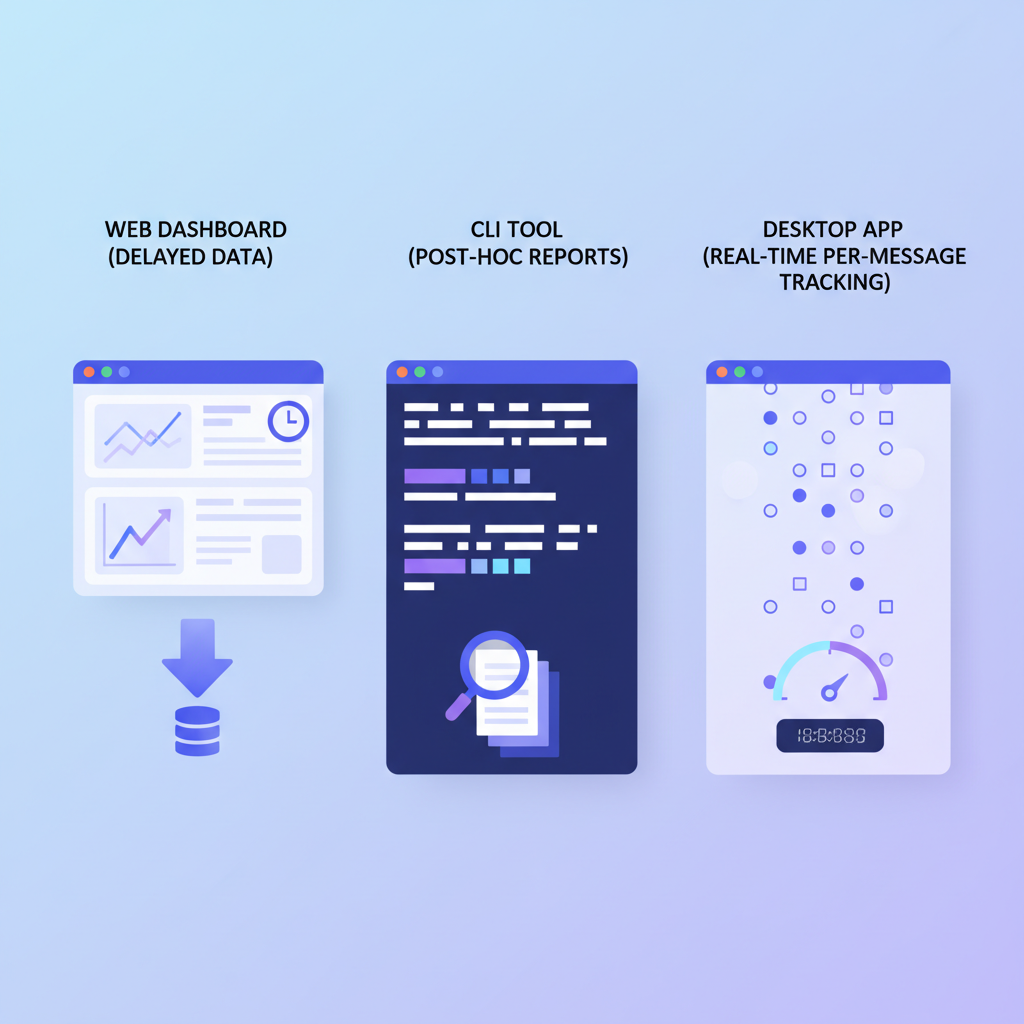
The missing piece is a tool that shows you the cost of every single message as it happens — not after the session, not as a daily aggregate, but right there in the interface next to each response.
This is what SuperBuilder provides. SuperBuilder is a free, open-source desktop app that wraps Claude Code in a native interface and adds features that the CLI lacks, including real-time cost tracking per message.
How It Works
SuperBuilder spawns Claude Code as a child process using the --output-format stream-json flag. This gives SuperBuilder access to the structured event stream that Claude Code emits, including token usage data for each interaction.
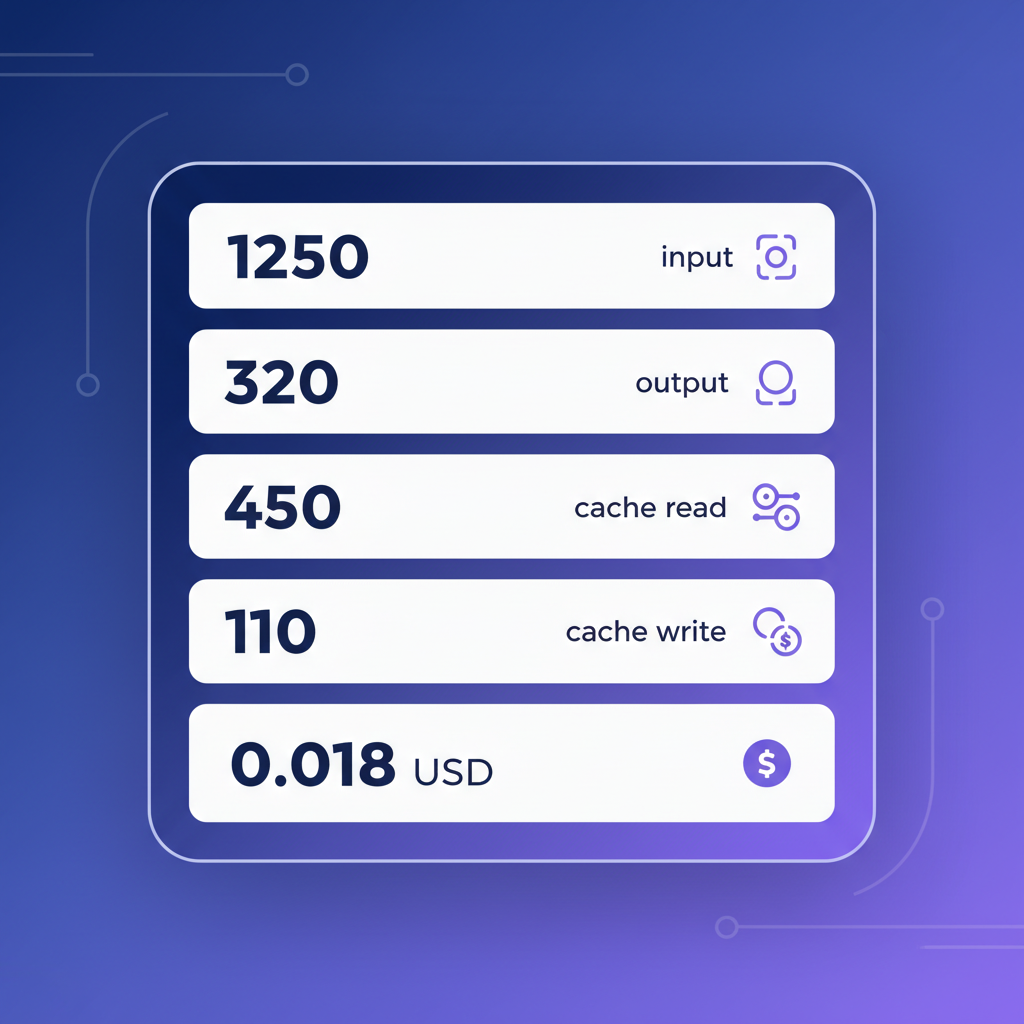
For every message exchange, SuperBuilder extracts:
- Input tokens: The total context sent to the model (system prompt + conversation history + file contents + tool results)
- Output tokens: The tokens Claude generated in its response
- Cache read tokens: Tokens served from Anthropic's prompt caching (cheaper than fresh input tokens)
- Cache write tokens: Tokens written to cache for future reuse
- Total cost in USD: Calculated from the token counts using current Anthropic pricing
This data is displayed inline with each message, stored in a local SQLite database, and available in a session cost summary.
What You See Per Message
Every Claude response in SuperBuilder shows a small cost badge. Click or hover on it, and you see the full breakdown:
This tells you instantly that message #12 was expensive because the context window was large (72K input tokens), but caching helped reduce the cost (58K tokens served from cache at a lower rate).
Over a session, you build intuition for which types of prompts are expensive and which are cheap. You start to notice patterns: "Every time I ask it to read that large config file, the cost spikes" or "Plan mode messages are consistently cheaper than direct edits."
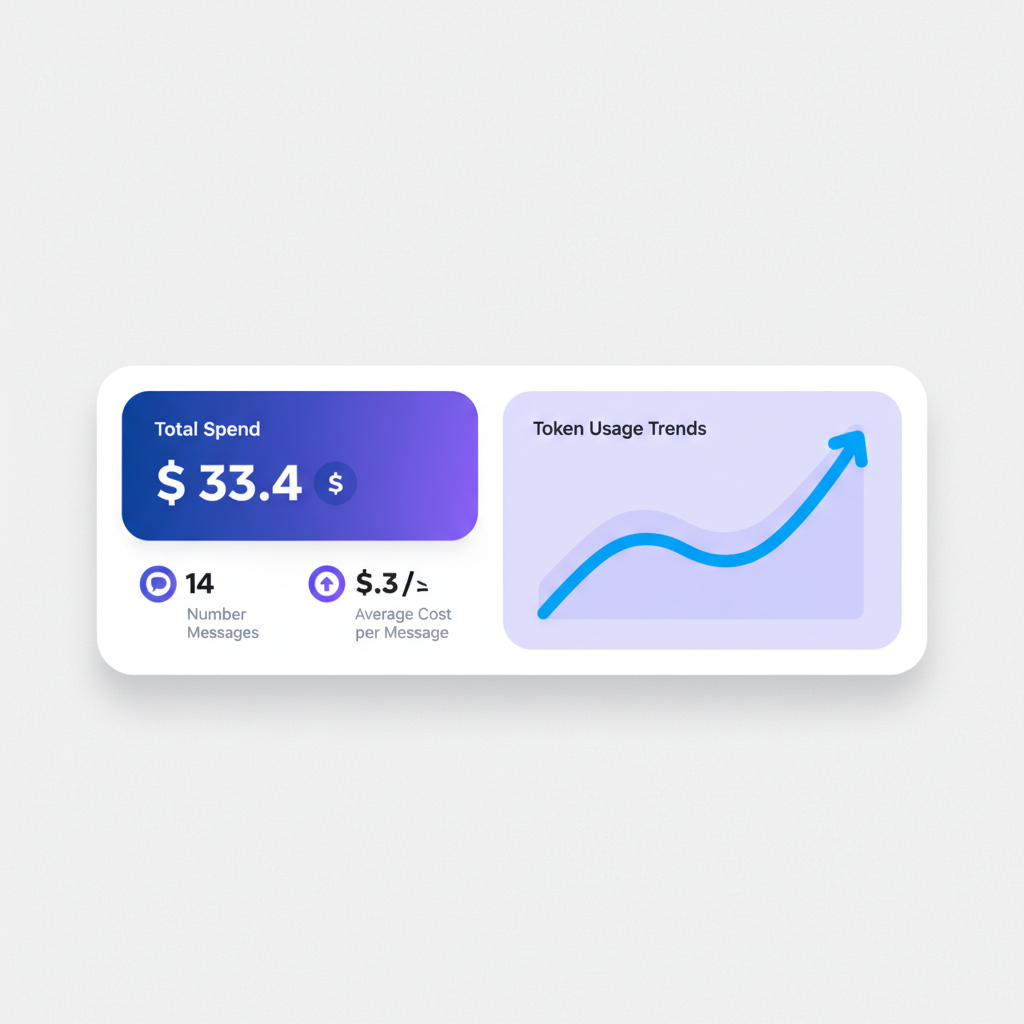
Session Cost Summary
At the thread level, SuperBuilder tracks cumulative cost for the entire session. You can see at a glance:
- Total spend for this thread
- Number of messages exchanged
- Average cost per message
- Most expensive single message
- Token usage trends across the session
This gives you the feedback loop that is completely absent from the standard Claude Code CLI experience.
Setting Up Cost Tracking in SuperBuilder
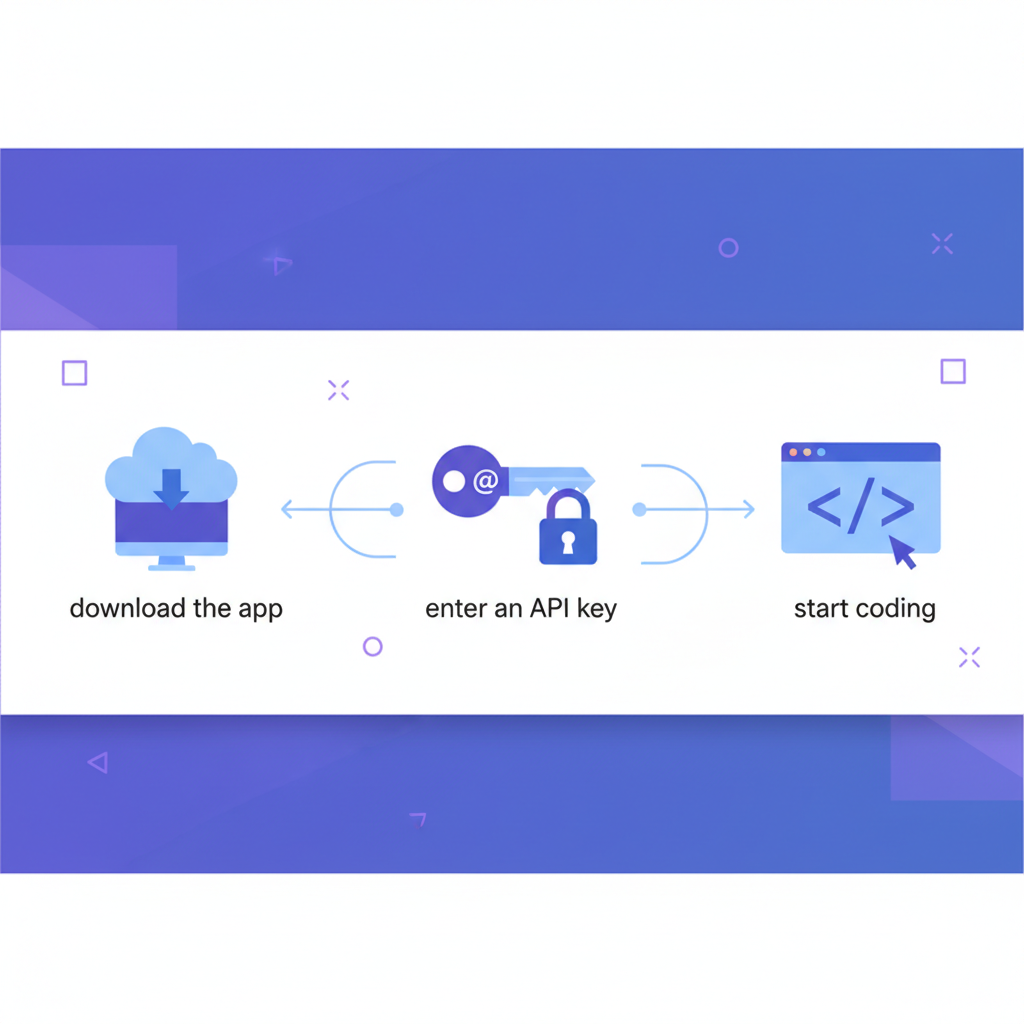
Getting started takes about two minutes.
Step 1: Download SuperBuilder
SuperBuilder is available for macOS (Apple Silicon and Intel). Download it from superbuilder.sh/download.
Step 2: Connect Your Anthropic API Key
On first launch, SuperBuilder asks for your Anthropic API key. This is the same key you use with Claude Code in the terminal. SuperBuilder does not store your key on any server — it stays on your machine and is passed directly to the Claude Code process.
Step 3: Start a Thread
Create a new thread, select your project directory, and start coding. Cost tracking is automatic — there is nothing to configure. Every message will show its cost as soon as Claude responds.
Step 4: Review Your Spending
At any point, you can review the cost breakdown for your current session. The cost badge on each message gives you instant per-interaction visibility, and the thread summary shows cumulative spend.
Practical Tips for Reducing Claude Code Costs
Now that you can see what each message costs, here are concrete strategies to keep your spending in check.
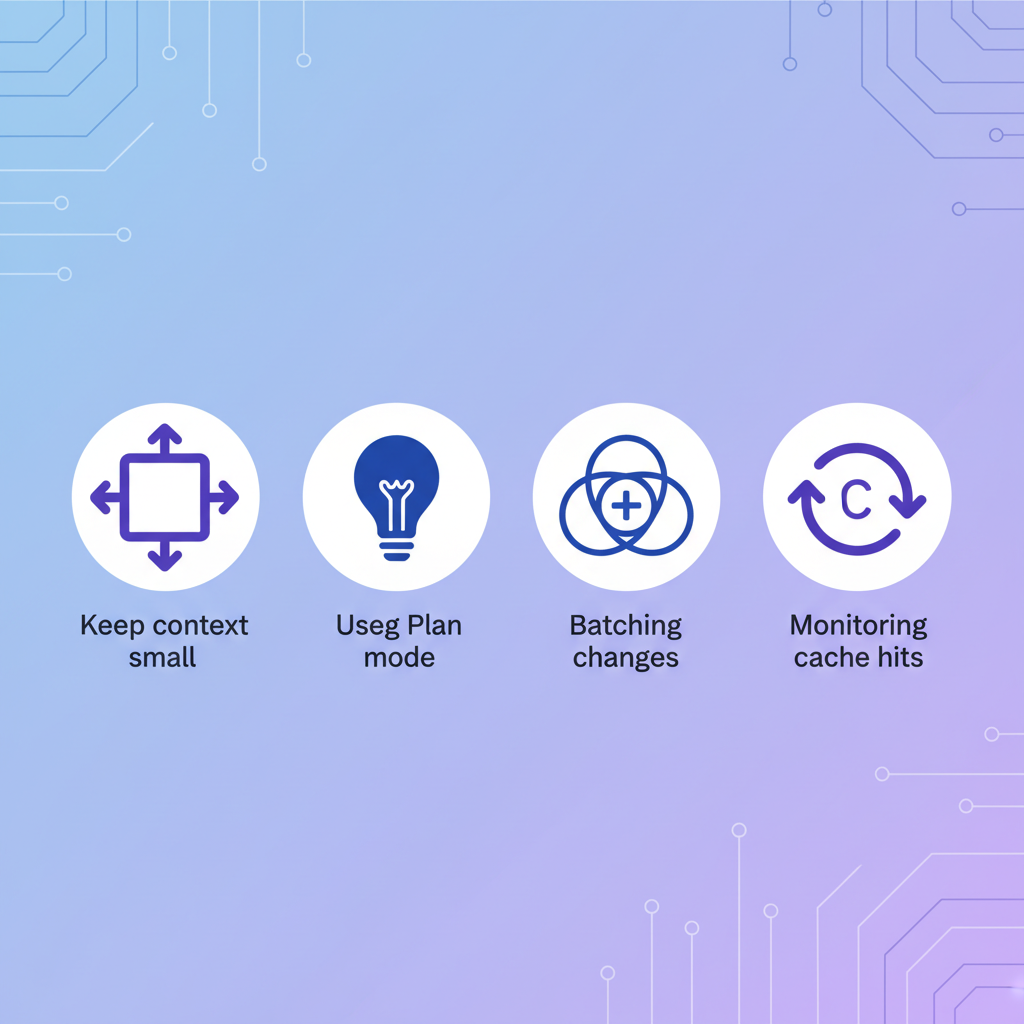
1. Keep Context Windows Small
The single biggest cost driver is input token count. Every file Claude has read, every command output, every previous message — it all accumulates in the context window and you pay for it on every turn.
What to do:
- Start new sessions frequently instead of running 50-turn conversations
- Be specific about which files to look at ("read src/auth/login.ts" instead of "look at the auth module")
- Avoid asking Claude to read large files that are not relevant to the current task
2. Use Plan Mode for Complex Tasks
SuperBuilder supports execution modes including Plan Mode, which instructs Claude to outline its approach before writing code. This is cheaper because:
- The planning response is mostly text (few output tokens relative to code generation)
- You can course-correct before Claude spends tokens on the wrong approach
- It prevents expensive "undo and redo" cycles
A plan message typically costs 30-50% less than a direct code generation message, and it reduces the chance of wasted follow-up messages.
3. Batch Related Changes
Instead of sending five separate prompts ("add error handling to function A," "add error handling to function B," etc.), batch them into a single prompt: "Add error handling to functions A, B, C, D, and E in src/api/handlers.ts."
One well-structured prompt with a detailed response is almost always cheaper than five round-trips, because each round-trip includes the full conversation context.
4. Use the Right Model for the Task
Not every task needs the most powerful model. Simple code formatting, adding comments, or writing boilerplate can be handled by Sonnet at a fraction of the Opus cost. Reserve Opus for complex architectural decisions, tricky debugging, and tasks that require deep reasoning.
5. Monitor the Cache Hit Rate
SuperBuilder shows you cache read tokens separately. A high cache read ratio means you are getting good value — cached tokens cost significantly less than fresh input tokens. To maximize cache hits:
- Keep your sessions focused on a consistent set of files
- Avoid wildly switching between unrelated parts of the codebase in the same session
- Re-use sessions when continuing work on the same feature
6. Set a Mental Budget Per Session
With per-message cost tracking, you can set a personal threshold. For example: "I will start a new session if this one exceeds $2." This simple rule prevents runaway sessions where the context window balloons and each message becomes disproportionately expensive.
7. Watch for Expensive Tool Call Loops
Sometimes Claude gets stuck in a loop — running a command, reading the error, trying a fix, running the command again. Each iteration adds to the context and costs money. If you see the cost per message climbing steeply, interrupt the session and provide clearer guidance or start fresh.
Comparison: Claude Code Cost Tracking Tools
Here is a direct comparison of the three main approaches to tracking Claude Code costs.
| Feature | Anthropic Console | ccusage | SuperBuilder |
|---|---|---|---|
| Cost granularity | Daily aggregate | Per-session | Per-message |
| Timing | Next-day (delayed) | Post-hoc (manual) | Real-time |
| Token breakdown | Model-level only | Input/output | Input/output/cache read/cache write |
| Visual interface | Web dashboard | CLI output | Native desktop app |
| Project association | None | By session | By thread and project |
| Alerts/thresholds | Billing alerts only | None | Large call alerts ($0.10+) |
| Historical data | 30 days | Local logs | SQLite (unlimited) |
| Price | Free (with API account) | Free (open source) | Free (open source) |
| Setup | None | pip install | Download app |
| Works during session | No | No | Yes |
The key differentiator is timing. The Anthropic Console and ccusage tell you what you spent. SuperBuilder tells you what you are spending right now, message by message, so you can adjust your behavior in real time.
Large Call Alerts
SuperBuilder includes a configurable alert for expensive messages. By default, any single message that costs more than $0.10 USD triggers a warning card in the chat. This is useful for catching unexpectedly expensive interactions before they cascade into a costly session.
You can adjust the threshold in Settings based on your budget and usage patterns.
Real-World Cost Patterns
After tracking costs across thousands of Claude Code interactions, here are some patterns that emerge:
Typical Message Costs (Claude 3.5 Sonnet)
- Simple question about code: $0.01-$0.03
- Read a file and explain it: $0.03-$0.08
- Write a new function: $0.05-$0.15
- Refactor an existing file: $0.08-$0.25
- Debug with multiple tool calls: $0.10-$0.50
- Large multi-file changes: $0.20-$1.00+
Session Cost Ranges
- Quick 5-message fix: $0.10-$0.50
- Moderate 20-message feature: $1.00-$5.00
- Extended 50+ message session: $5.00-$25.00+
These ranges vary significantly based on codebase size, file lengths, and how many tool calls Claude makes. The point is not the exact numbers — it is that without per-message tracking, you have no idea where in these ranges you fall until after the session ends.
Frequently Asked Questions
Does SuperBuilder add any cost on top of Claude Code?
No. SuperBuilder is free and open source. You pay only for the Anthropic API tokens consumed by Claude Code, exactly as you would using the CLI directly. SuperBuilder does not add any tokens, proxy your requests, or charge any fees.
How accurate is the cost tracking?
SuperBuilder reads token counts directly from Claude Code's structured JSON output stream. The token counts are exact. The USD cost is calculated using Anthropic's published pricing, which may change over time. SuperBuilder updates pricing as Anthropic publishes changes.
Can I export my cost data?
All cost data is stored in a local SQLite database on your machine. You can query it directly, or use SuperBuilder's interface to review per-thread and per-message costs. Export functionality for CSV and JSON is on the roadmap.
Does this work with Claude Max or Claude Pro subscriptions?
Claude Code cost tracking in SuperBuilder applies to API usage. If you are using Claude Code through a Max or Pro subscription rather than API billing, the per-message token counts are still tracked and displayed, though the USD cost calculation may differ from your subscription pricing.
Is my data sent anywhere?
No. SuperBuilder runs entirely on your machine. Your API key, conversation data, and cost metrics never leave your computer. There is no telemetry, no analytics, and no cloud sync.
Getting Started
If you are using Claude Code and want visibility into what each message costs, SuperBuilder gives you that in a free, open-source desktop app.
- Download SuperBuilder at superbuilder.sh/download
- Add your Anthropic API key
- Start coding — cost tracking is automatic
Every message will show its token usage and USD cost. You will immediately start making smarter decisions about how you structure prompts, when to start fresh sessions, and which tasks justify the spend.
Stop guessing what Claude Code costs. Start tracking it per message, in real time.
