Claude Code Desktop App vs SuperBuilder: Which Should You Use?
Anthropic's Claude Desktop app now ships with Claude Code built in. You can open it, type a coding prompt, and watch Claude edit files on your machine. It is polished, it is official, and for a lot of people it will be the first time they experience an AI coding agent outside the terminal.
SuperBuilder is a different kind of tool. It is an open-source desktop app that wraps Claude Code in a power-user interface with cost tracking, multi-agent task queues, MCP skills, and deep project management. It is free, it works with your existing Claude Code setup, and it is designed for developers who spend hours a day inside an AI coding workflow.
Both apps put Claude Code behind a graphical interface. But the similarities end there. This article walks through the differences honestly --- where Claude Desktop wins, where SuperBuilder wins, and how to decide which one fits your work.
Table of Contents
- What Is Claude Desktop (with Claude Code)?
- What Is SuperBuilder?
- Feature Comparison Table
- Deep Dive: Key Differences
- When Claude Desktop Is the Better Choice
- When SuperBuilder Is the Better Choice
- Pricing and Cost
- Setup and Getting Started
- FAQ
- Verdict
What Is Claude Desktop (with Claude Code)?
Claude Desktop is Anthropic's official application for macOS and Windows. It started as a chat interface for Claude --- a way to talk to the model without going through the browser. In early 2026, Anthropic integrated Claude Code directly into the desktop app, turning it into a coding tool as well.
With a Claude Pro or Claude Max subscription, you can now:
- Chat with Claude in a native desktop window
- Enable Claude Code mode to let Claude read, write, and execute code on your machine
- Use the same conversation thread for both general questions and coding tasks
- Access Claude's latest models (Claude 4 Opus, Claude 4 Sonnet) with subscription-tier rate limits
Claude Desktop is a consumer product at heart. It is designed to be approachable, to look good, and to just work out of the box. You sign in with your Anthropic account, grant file system permissions, and start coding.
Strengths of Claude Desktop
- Zero setup: Sign in and go. No terminal, no API keys, no configuration files.
- Official support: Built and maintained by Anthropic. Bug fixes and model updates arrive automatically.
- Unified chat + code: The same window handles casual questions and coding tasks. No context switching.
- Subscription model: Claude Pro ($20/month) or Claude Max ($100-200/month) gives you a predictable monthly bill.
- Native feel: Smooth UI, system notifications, macOS/Windows integration.
Limitations of Claude Desktop
- Subscription required: You cannot use Claude Desktop's coding features on the free tier. Claude Pro at minimum.
- No cost visibility: Subscription plans hide per-token costs. You cannot see how much a specific coding session consumed.
- Single conversation: One active Claude Code session at a time. No task queue, no background processing.
- Limited customization: You cannot configure prompts, execution modes, debug workflows, or tool integrations beyond what Anthropic provides.
- Closed source: You cannot inspect, modify, or extend the application.
- Rate limits: Subscription tiers have usage caps. Heavy coding sessions can hit limits, especially on Pro.
What Is SuperBuilder?
SuperBuilder is an open-source desktop application that provides a graphical interface for Claude Code. Built with Electron and React, it spawns Claude Code CLI processes under the hood and layers a full project management and development workflow on top.
SuperBuilder is free. It works with your existing Claude Code installation and Anthropic API key. You pay only for the API tokens you actually use --- there is no subscription, no seat fee, no tier gating.
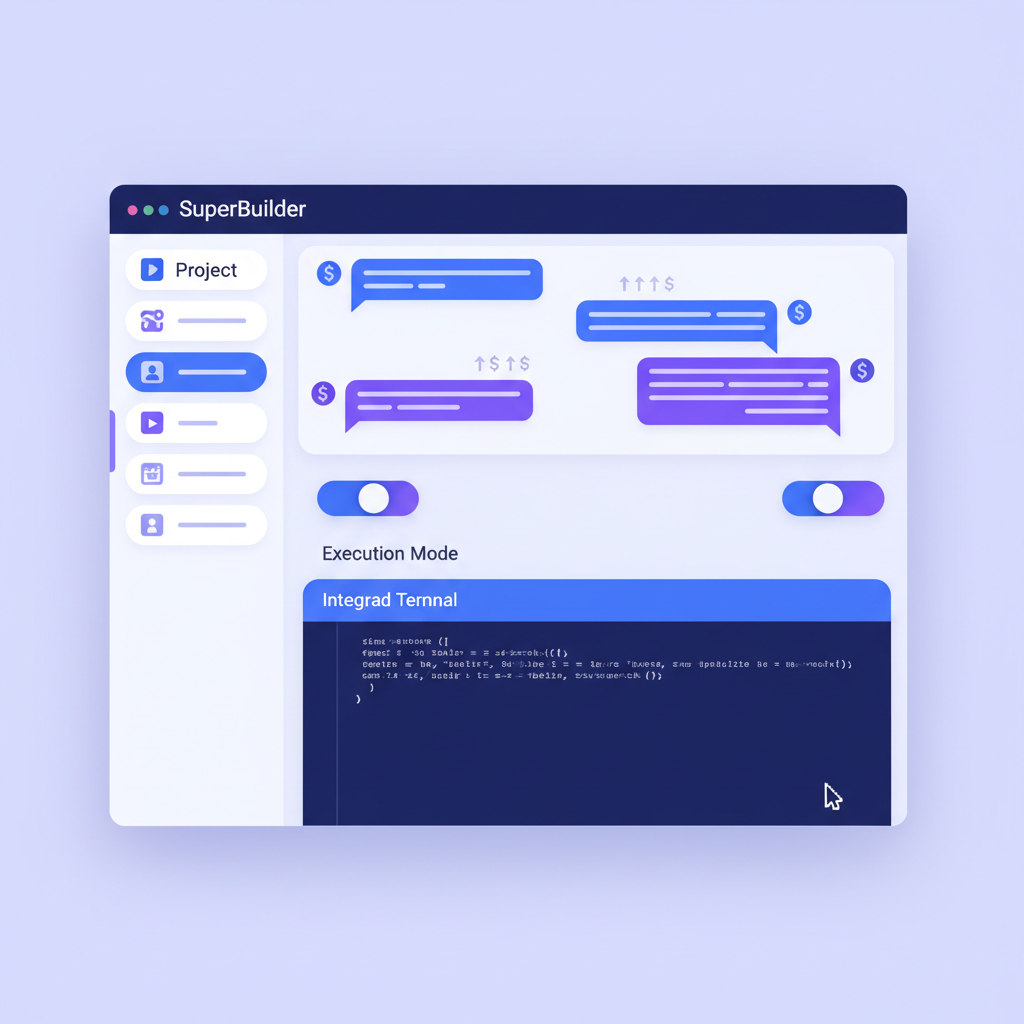
What SuperBuilder adds on top of Claude Code
- Real-time cost tracking: See exactly how much each conversation, each message, and each project costs in dollars.
- Multi-agent task queue: Queue up multiple coding tasks. SuperBuilder processes them sequentially, freeing you to work on other things.
- MCP Skills: Extend Claude's capabilities with pluggable skills --- web browsing, image generation, database queries, and more.
- Execution modes: Switch between normal, plan, verify, debug, and ask modes to control how Claude approaches your prompt.
- Project management: Organize work by project with file indexing, asset management, and a Drive for generated files.
- Debug mode: A dedicated debugging workflow with hypothesis tracking, log collection, and structured analysis.
- Variables and templates: Define reusable variables and prompt templates for repetitive workflows.
- Large call alerts: Get warned before Claude makes an expensive API call (configurable threshold).
- Full conversation persistence: Every message, every tool call, every cost figure stored in a local SQLite database.
- Open source: MIT licensed. Read the code, fork it, extend it, contribute back.
Feature Comparison Table
Here is a side-by-side comparison across the features that matter most when choosing a Claude Code GUI.
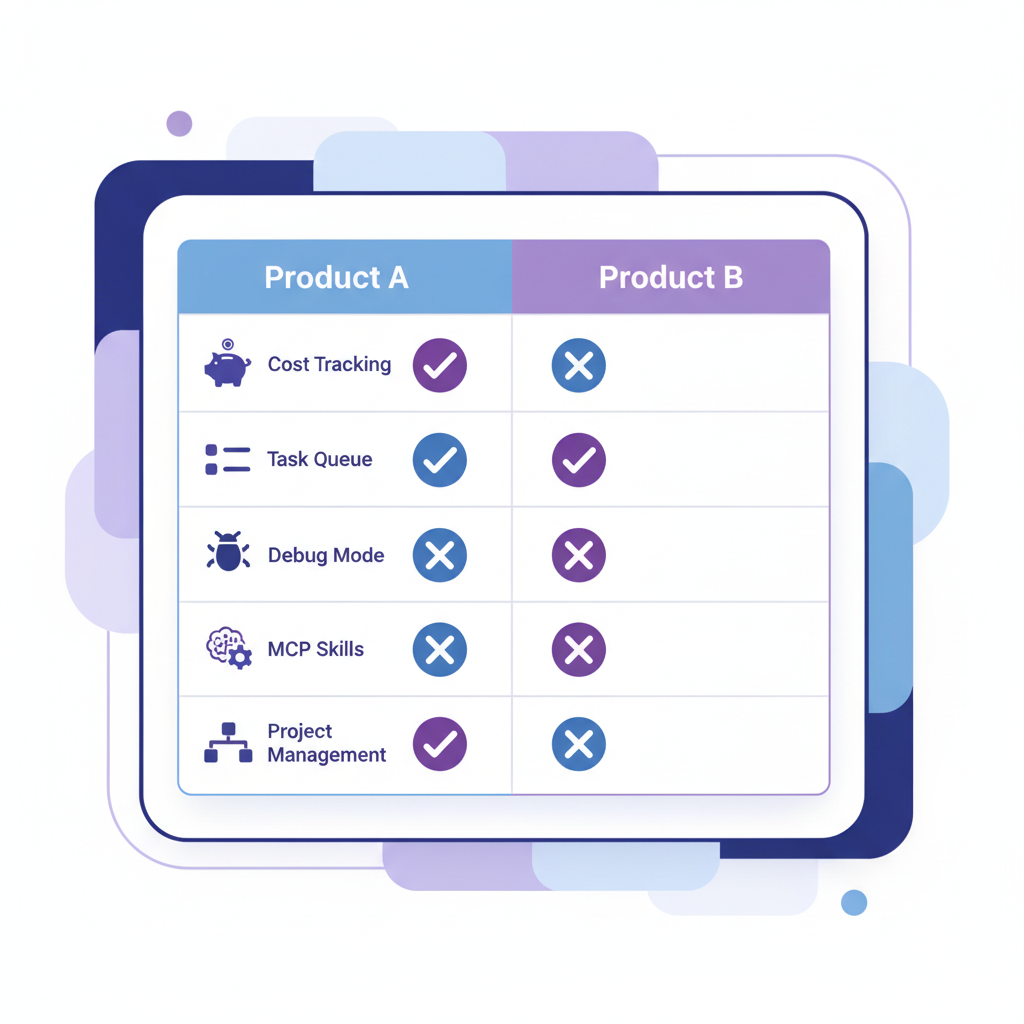
| Feature | Claude Desktop | SuperBuilder |
|---|---|---|
| Price | $20-200/month subscription | Free (pay per API token) |
| Open source | No | Yes (MIT license) |
| Cost tracking per message | No | Yes, real-time USD display |
| Cost tracking per project | No | Yes, cumulative project costs |
| Task queue | No | Yes, multi-task sequential queue |
| Concurrent projects | Limited | Unlimited projects + threads |
| Execution modes | Default only | Normal, Plan, Verify, Debug, Ask |
| Debug workflow | No | Yes, hypothesis tracking + logs |
| MCP skills/plugins | Limited MCP support | Full MCP with bundled skills |
| Web browsing skill | No built-in | Yes, persistent browser session |
| Image generation | Via Claude artifacts | Yes, DALL-E via MCP skill |
| Prompt templates | No | Yes, with variable expansion |
| File indexer (Cmd+P) | No | Yes, project-wide file search |
| Drive / asset management | No | Yes, per-project asset folders |
| Large call warnings | No | Yes, configurable threshold |
| Conversation export | Limited | Full SQLite access |
| Model selection | Tied to subscription tier | Any model via API key |
| Rate limits | Subscription-tier caps | API rate limits only |
| Offline chat history | Cloud-synced | Fully local SQLite |
| Terminal access | Sandboxed | Full integrated terminal |
| Custom system prompts | No | Yes, via .claude.md and modes |
| Auto-update | Yes | Yes (GitHub releases) |
| Platform | macOS, Windows | macOS (Windows coming) |
Deep Dive: Key Differences
Cost Visibility and Control
This is the single biggest differentiator for professional developers.
Claude Desktop charges a flat subscription. Claude Pro is $20/month and gives you a generous but limited amount of usage. Claude Max at $100 or $200/month raises those limits. You never see a per-message cost, and you cannot tell whether that refactoring task just consumed $0.03 or $3.00.
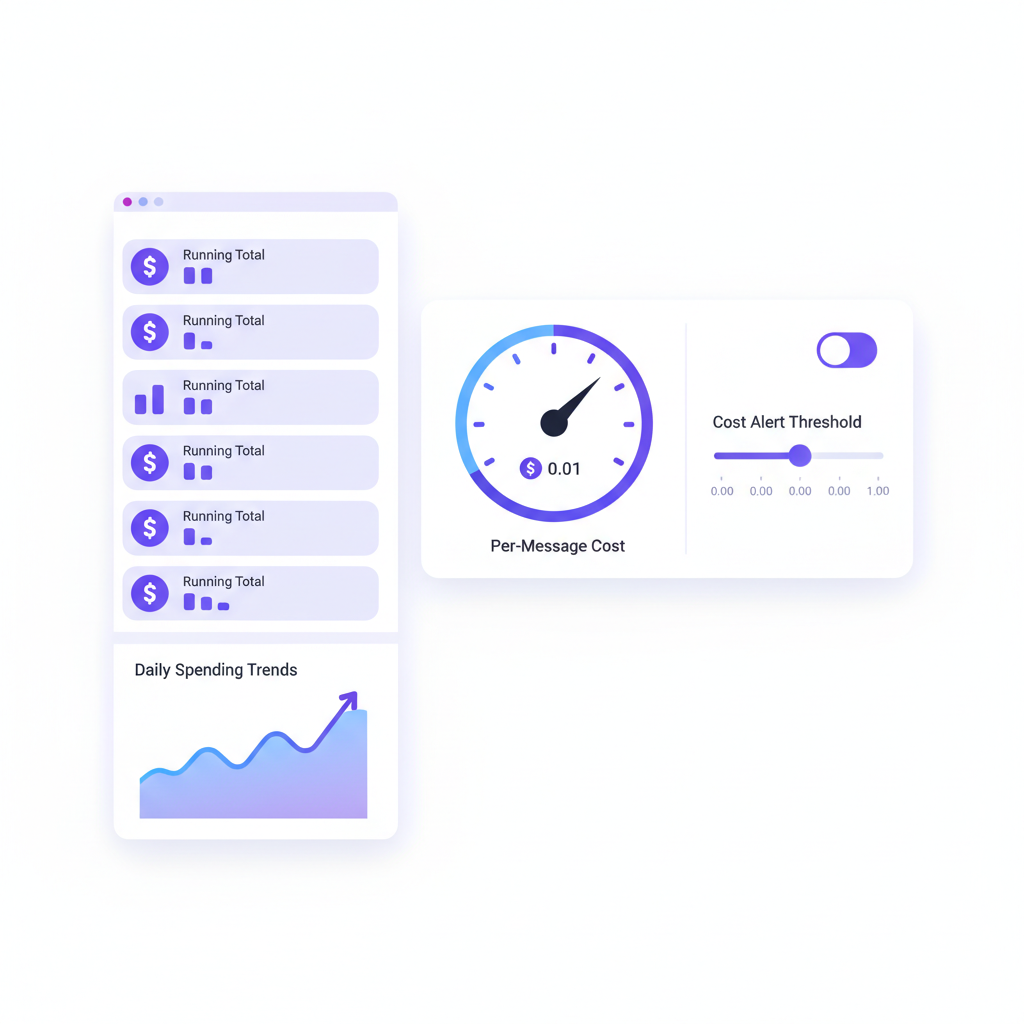
SuperBuilder shows cost in real time. Every message displays its token cost in USD. Every conversation shows a running total. Every project aggregates costs across all its threads. You can set a threshold (default $0.10) that triggers a warning before expensive operations execute.
For solo developers, this means budgeting. For teams and freelancers, this means accurate client billing. For anyone who has ever been surprised by an AI bill, this means peace of mind.
Task Queue and Background Processing
Claude Desktop runs one conversation at a time. If you ask Claude to refactor a module, you wait. Then you ask for the next thing.
SuperBuilder has a task queue. You can write three, five, or ten prompts and queue them all. SuperBuilder processes them sequentially --- each task gets Claude's full attention, and results are waiting for you when you check back.
This changes how you work. Instead of babysitting each interaction, you can batch your requests at the start of a session, review results later, and iterate on the ones that need adjustment. It turns Claude Code from a pair programmer that demands your constant attention into an assistant that works through your to-do list.
Execution Modes
When you type a prompt in Claude Desktop, it goes to Claude in one mode: do the thing.
SuperBuilder offers five execution modes:
- Normal: Standard Claude Code behavior.
- Plan: Claude analyzes the request and produces a plan before writing any code. You review the plan, then approve execution.
- Verify: Claude executes the task, then runs a verification pass to check its own work.
- Debug: Activates a structured debugging workflow with hypothesis generation, log analysis, and iterative testing.
- Ask: Claude answers your question without modifying any files. Pure analysis mode.
These modes matter because different tasks need different approaches. A quick CSS fix needs Normal mode. A complex database migration needs Plan mode. A mysterious production bug needs Debug mode. Having these options available in one click reduces errors and improves output quality.
MCP Skills
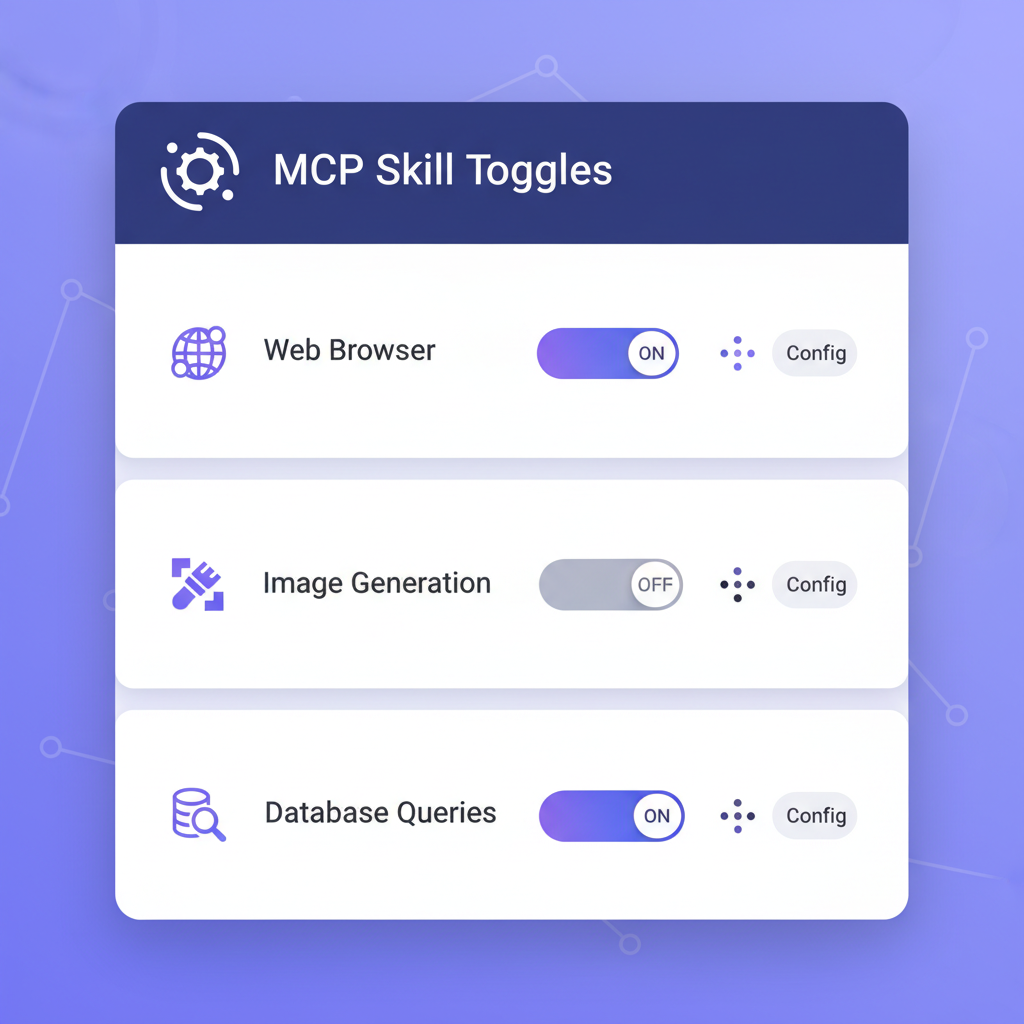
Claude Desktop has limited MCP (Model Context Protocol) support. SuperBuilder ships with a full MCP server and bundled skills:
- Web Browser: A persistent Electron BrowserWindow that Claude can navigate, click, type into, screenshot, and extract content from. This is not a headless scraper --- it is a real browser session with cookies, JavaScript, and login persistence.
- Image Generation: Claude can generate images via OpenAI's DALL-E directly within the conversation. Useful for UI mockups, diagram generation, or creative work.
- Database Queries: Connect your databases and let Claude query them directly. Useful for debugging data issues or generating reports.
Skills are extensible. Because SuperBuilder is open source, you can write your own MCP skills and plug them in.
Debug Mode
Debugging with an AI agent is one of the highest-value workflows, and it is where the tools diverge most sharply.
In Claude Desktop, you describe a bug, Claude investigates, and you hope it finds the right fix. There is no structured process and no way to track what hypotheses were tested.
SuperBuilder's Debug mode is a full workflow:
- You describe the bug (or SuperBuilder detects debugging keywords and suggests Debug mode).
- Claude generates hypotheses about the root cause.
- Each hypothesis is tracked with supporting evidence, log entries, and test results.
- A dedicated Debug Log Panel groups findings by hypothesis with expandable JSON viewers.
- The HTTP debug server on port 3456 collects structured logs from your running application.
This transforms debugging from "throw prompts at Claude and hope" into a systematic investigation with an audit trail.
Project Organization
Claude Desktop treats everything as conversations. There is no concept of projects, no file organization, no asset management.
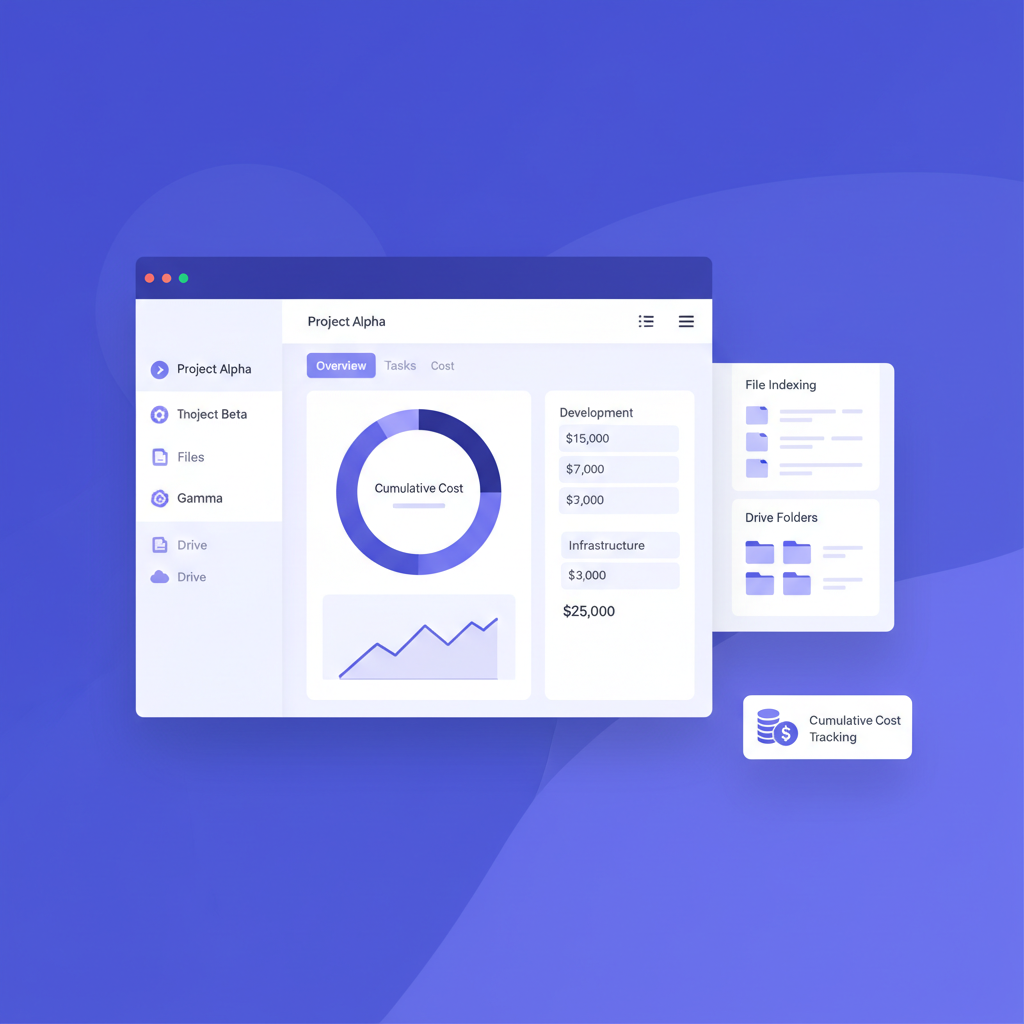
SuperBuilder organizes work by project. Each project has:
- A dedicated thread list (conversations grouped by project)
- A Drive folder for generated assets (images, exports, documents)
- File indexing with Cmd+P search across project files
- Cumulative cost tracking
- Independent settings and context
If you work on more than one codebase --- and most developers do --- this organizational layer eliminates the chaos of mixing conversations across projects.
When Claude Desktop Is the Better Choice
Be honest: Claude Desktop is the right tool for a lot of people. Here is when it wins.
You want zero configuration
Claude Desktop is the fastest path from "I want to try AI coding" to actually coding with AI. Download, sign in, grant permissions, go. No API keys, no terminal, no configuration files. If you value simplicity above all else, this is your tool.
You use Claude for more than coding
Claude Desktop handles general conversation and coding in the same window. If your workflow is 50% "explain this concept to me" and 50% "now edit this file," the unified experience is genuinely nice. SuperBuilder is coding-focused and does not offer a general chat mode.
You prefer predictable billing
A $20/month subscription is easy to budget for. You never worry about a single expensive session blowing your budget. For hobbyists, students, or anyone who codes with AI occasionally, the subscription model is simpler.
You want official support
Anthropic builds Claude Desktop. When something breaks, there is a company behind it with a support team. SuperBuilder is community-maintained open source. Response times and support quality depend on the maintainers and community.
Your usage is light to moderate
If you send 10-20 coding prompts per day, Claude Pro's usage limits will rarely bother you. The subscription cost may even be lower than what you would pay in API tokens for the same usage. Claude Desktop is economically efficient for moderate users.
When SuperBuilder Is the Better Choice
You need cost control
If you are a professional developer, freelancer, or running a team, cost visibility is not optional. Knowing that a refactoring session cost $4.27 and a bug fix cost $0.18 changes how you allocate AI resources and how you bill clients. SuperBuilder gives you this data by default.
You work on multiple projects
Switching between codebases in Claude Desktop means managing context manually. SuperBuilder's project system keeps threads, files, costs, and assets separated. Cmd+P file search works within the active project. This is table stakes for anyone juggling more than two repositories.
You batch work
The task queue is a workflow multiplier. Queue up your morning's coding tasks, review results after lunch. This pattern is impossible in Claude Desktop, where each task requires your active attention.
You need advanced debugging
If you spend significant time debugging --- and if you are a professional developer, you do --- SuperBuilder's Debug mode with hypothesis tracking and structured log collection is substantially more effective than unstructured conversation.
You want extensibility
MCP skills, custom execution modes, prompt templates, variables --- SuperBuilder is built for customization. If your workflow has patterns ("always lint after editing," "always check tests," "always update the changelog"), you can encode those patterns into the tool.
You are on a team
SuperBuilder's local SQLite database means every conversation, every cost figure, every decision is auditable. For teams that need to review AI-assisted code changes or track spending across projects, this data is invaluable.
You use Claude Code heavily
If you are sending 50+ prompts per day, Claude Pro's rate limits will frustrate you. Claude Max at $100-200/month is expensive. With SuperBuilder and direct API access, you pay exactly for what you use --- and at high volume, per-token pricing is often cheaper than Max subscriptions.
Pricing and Cost
Claude Desktop
| Plan | Price | Claude Code Access | Rate Limits |
|---|---|---|---|
| Free | $0 | No | N/A |
| Pro | $20/month | Yes | Moderate caps |
| Max (5x) | $100/month | Yes | 5x Pro limits |
| Max (20x) | $200/month | Yes | 20x Pro limits |
SuperBuilder
| Component | Price |
|---|---|
| SuperBuilder app | Free (open source) |
| Claude Code CLI | Free (open source) |
| Anthropic API tokens | Pay-as-you-go |
Typical API costs for coding workflows:
- Light session (10-15 prompts): $0.50-2.00
- Medium session (30-50 prompts): $2.00-8.00
- Heavy session (100+ prompts): $8.00-25.00
These numbers vary based on codebase size, context length, and model choice (Opus vs Sonnet). The key point is that you see every dollar as it is spent.
For a developer who codes with AI daily, the break-even point between Claude Pro ($20/month) and API pay-as-you-go depends on volume. Light users save money with Pro. Heavy users often save money with direct API access, especially if they mix Sonnet (cheaper) and Opus (more capable) strategically.
Setup and Getting Started
Claude Desktop Setup
- Download Claude Desktop from claude.ai/download.
- Sign in with your Anthropic account.
- Subscribe to Claude Pro or Claude Max.
- Enable Claude Code in settings.
- Grant file system permissions when prompted.
Time to first coding prompt: under 5 minutes.
SuperBuilder Setup
- Download SuperBuilder from superbuilder.ai.
- Install Claude Code CLI if you do not have it (
npm install -g @anthropic-ai/claude-code). - Set your Anthropic API key (
export ANTHROPIC_API_KEY=your-key). - Open SuperBuilder, create a project, and point it at your codebase.
- Start coding.
Time to first coding prompt: 5-10 minutes (longer if you need to set up an API key for the first time).
SuperBuilder requires slightly more initial setup, but the configuration is a one-time cost. Once running, the day-to-day experience is faster because of the task queue and project organization.
FAQ
Can I use both Claude Desktop and SuperBuilder?
Yes. They are completely independent. Claude Desktop uses your Anthropic subscription. SuperBuilder uses your API key. They do not conflict and can run simultaneously.
Does SuperBuilder require a subscription?
No. SuperBuilder is free and open source. You need an Anthropic API key with credit, and you pay only for the API tokens you consume.
Is SuperBuilder as stable as Claude Desktop?
Claude Desktop has the backing of Anthropic's engineering team and QA process. SuperBuilder is actively maintained and used in production by its developers, but as open-source software, your mileage may vary. The codebase includes extensive reliability fixes (zombie thread detection, queue processing safeguards, emergency kill mechanisms) that reflect real-world hardening.
Can Claude Desktop do everything SuperBuilder does?
No. Claude Desktop lacks cost tracking, task queues, execution modes, debug workflows, MCP skills, project organization, file indexing, and prompt templates. It is a simpler tool by design.
Can SuperBuilder do everything Claude Desktop does?
SuperBuilder does not offer general-purpose Claude chat (non-coding conversations). It is focused on coding workflows. For general Q&A with Claude, you would still use Claude Desktop or the web interface.
Which is better for beginners?
Claude Desktop. The zero-configuration setup and subscription billing model make it the easier starting point. Once you outgrow its limitations, SuperBuilder is there.
Does SuperBuilder work on Windows?
SuperBuilder currently supports macOS, with Windows support in development. Claude Desktop supports both macOS and Windows today.
Is my code safe with SuperBuilder?
SuperBuilder runs entirely on your machine. Your code never leaves your computer except when sent to the Anthropic API for processing (same as Claude Desktop). The SQLite database storing conversations is local. There is no telemetry, no cloud sync, no third-party data sharing.
Verdict
Claude Desktop and SuperBuilder serve different levels of the same need: a graphical interface for Claude Code.
Choose Claude Desktop if you want the simplest possible experience, you use Claude for general chat as well as coding, you prefer subscription billing, and your coding volume is light to moderate. It is a well-made product from the team that builds Claude itself.
Choose SuperBuilder if you are a professional developer who needs cost visibility, works across multiple projects, wants to batch tasks, needs advanced debugging tools, or values the ability to extend and customize your workflow. It is built by developers for developers, and it shows in the feature set.
The honest answer for many power users is: start with Claude Desktop to experience Claude Code with zero friction, then move to SuperBuilder when you hit the ceiling. That ceiling --- no cost tracking, no task queue, no project organization, no debug mode --- arrives fast for anyone doing serious development work.
SuperBuilder is free and open source. There is no risk in trying it.
Download SuperBuilder for free at superbuilder.ai
This comparison reflects the state of both products as of April 2026. Claude Desktop and SuperBuilder are both actively developed, and features may change. We will update this article as both tools evolve.
