Run Multiple Claude Code Agents in Parallel: A Visual Guide
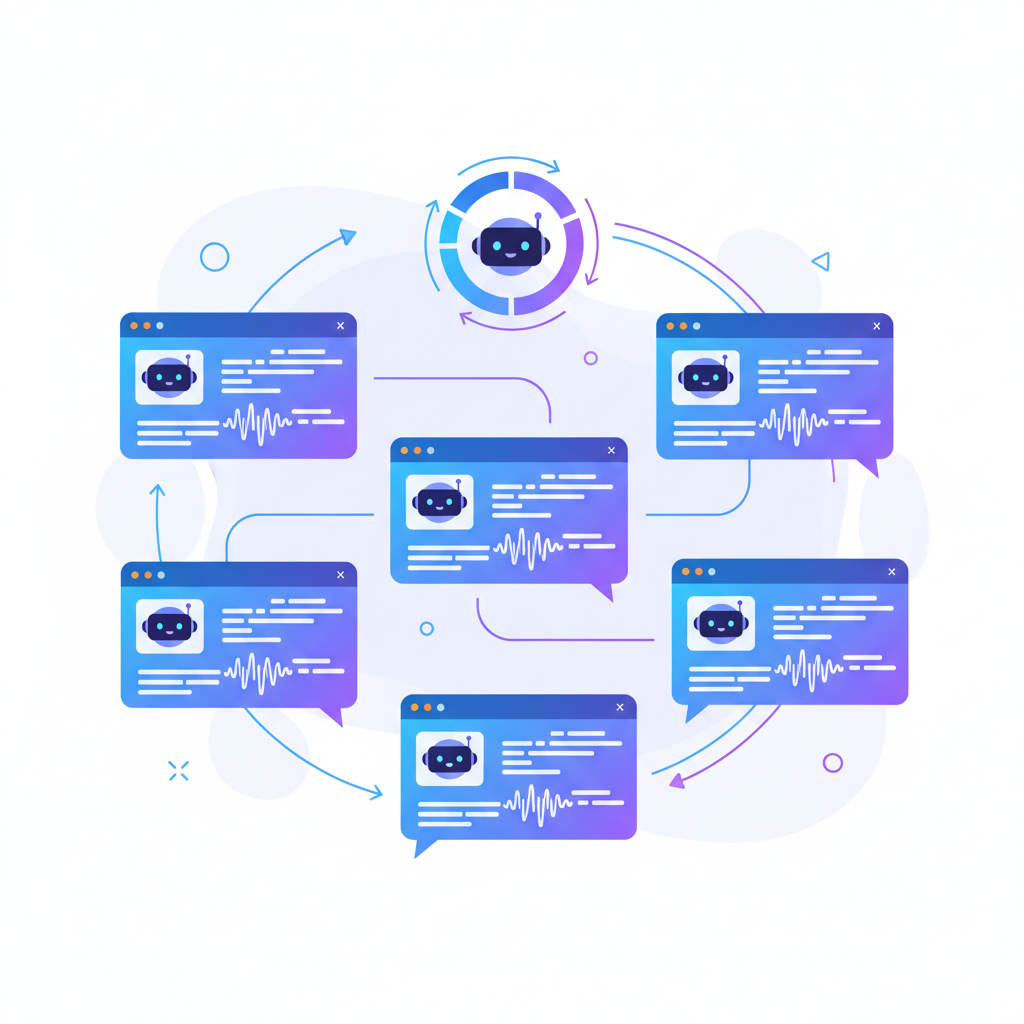
Claude Code is one of the most capable AI coding agents available today. It reasons through complex codebases, writes production-quality code, and can autonomously resolve real GitHub issues. But if you have used it for any serious project, you have hit the same wall every power user encounters: you can only run one agent at a time per terminal.
That constraint turns what should be a parallel workflow into a serial bottleneck. You want your frontend refactored, your API endpoints updated, and your test suite expanded -- all at the same time. Instead, you are stuck babysitting one terminal, waiting for it to finish before starting the next task.
This guide walks you through running multiple Claude Code agents in parallel using SuperBuilder, a free, open-source desktop app that gives you visual thread management, an intelligent queue system, and per-agent cost tracking. By the end, you will have three agents working simultaneously on different parts of your codebase.
Table of Contents
- Why Parallel Agents Matter
- The CLI Problem: What Goes Wrong with Multiple Terminals
- SuperBuilder's Approach to Multi-Agent Orchestration
- Step 1: Setting Up Your First Project
- Step 2: Spawning Three Agents in Parallel
- Step 3: Monitoring Progress Across Agents
- Step 4: Reviewing Changes and Merging Work
- Under the Hood: Queue System Architecture
- Real Workflow Examples
- Tips for Running Parallel Agents Effectively
- FAQ
- Get Started with SuperBuilder
Why Parallel Agents Matter
Modern software projects are not single-threaded. A typical feature involves changes across multiple layers: frontend components, backend API routes, database migrations, tests, and documentation. When you ask Claude Code to handle one of these layers, it might take anywhere from two to ten minutes depending on complexity.
If you work sequentially, a three-layer feature takes 15-30 minutes of wall-clock time where you are mostly waiting. If you run three agents in parallel, you compress that to 5-10 minutes. That is not a marginal improvement -- it is a fundamental shift in how fast you can iterate.
Here are the scenarios where parallel agents deliver the biggest gains:
Full-stack feature development. One agent builds the React components. Another creates the Express API routes. A third writes integration tests. All three work on the same codebase simultaneously, each on its own branch or in its own area of the code.
Large-scale refactoring. You need to migrate 40 files from one pattern to another. Instead of feeding them to a single agent one batch at a time, you split the work across three agents handling different directories.
Bug investigation. You suspect the issue could be in the auth layer, the database queries, or the caching logic. Spin up three agents, each investigating a different hypothesis. The one that finds the bug finishes first; you discard the others.
Test coverage expansion. Your codebase has 200 untested files. One agent writes unit tests for the utility functions, another handles the API handlers, and a third covers the React components.
The math is simple: if each agent saves you 30 minutes per day and you run three in parallel, you reclaim an hour and a half of productive time daily.
The CLI Problem: What Goes Wrong with Multiple Terminals
Claude Code runs in the terminal. That is one of its strengths -- it integrates into existing developer workflows without forcing you into a new IDE. But the terminal was not designed for orchestrating multiple long-running AI agents.
Here is what happens when you try to run multiple Claude Code instances manually:
Terminal tab sprawl. You open three or four terminal tabs, each running a separate Claude Code session. Within minutes, you lose track of which tab is doing what. You switch between them trying to remember if tab 3 was the frontend agent or the testing agent. The mental overhead erases the productivity gains.
No unified progress view. Each Claude Code instance streams its own output independently. There is no dashboard showing you the status of all agents at a glance. You have to manually check each terminal to see if an agent is still running, waiting for input, or finished.
Rate limit chaos. Anthropic's API has rate limits. When you run multiple agents simultaneously, they compete for the same rate limit budget. One agent hits a 429 error and halts. You do not notice for five minutes because you were watching a different terminal. The agent sits idle, wasting time.
No cost visibility. Each Claude Code session tracks its own token usage, but there is no aggregated view. You finish a multi-agent session and have no idea what it cost. Was that refactoring task $2 or $20? You would have to manually sum the costs from each terminal.
Zombie processes. If a Claude Code process hangs -- due to a network issue, a malformed response, or a PTY error -- it sits there consuming resources silently. There is no watchdog to detect stuck processes and restart them. You discover the zombie ten minutes later when you check the terminal and see it has not produced output.
No queue management. You want to send five tasks but can only run two at a time (rate limits). In the CLI, you would need to manually wait for one to finish, then start the next. There is no queuing mechanism to handle this automatically.
These are not edge cases. They are the daily reality for any developer trying to use Claude Code at scale. The tool itself is excellent; the orchestration layer is what is missing.
SuperBuilder's Approach to Multi-Agent Orchestration
SuperBuilder is a free, open-source desktop app (macOS, with Linux and Windows coming soon) that wraps Claude Code in a visual interface purpose-built for multi-agent workflows. It does not replace Claude Code -- it runs the actual Claude Code CLI under the hood via node-pty, preserving full compatibility with your existing setup.
Here is what it adds on top:
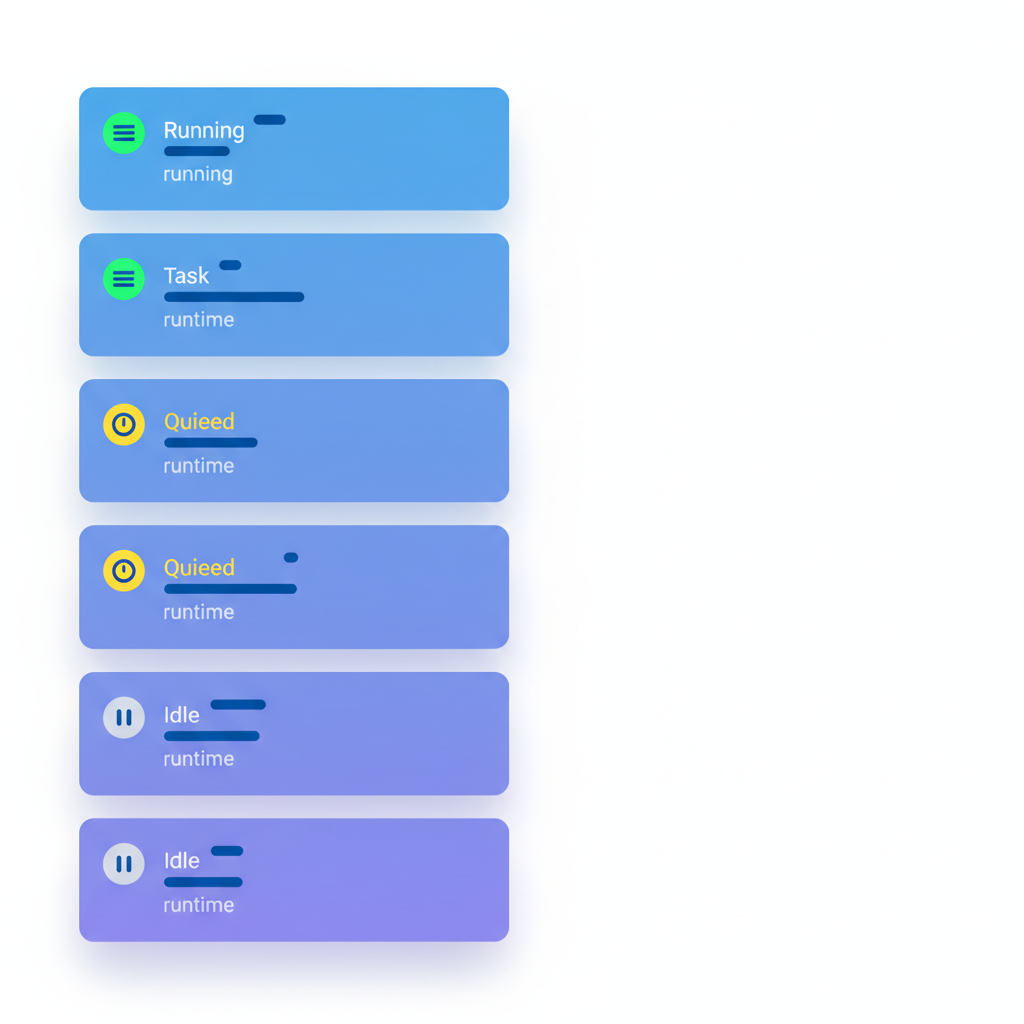
Visual thread sidebar. Every agent appears as a thread in a sidebar, showing its current status (running, idle, queued, needs attention), the task it is working on, and its runtime. You see all agents at a glance without switching tabs.
Smart message queue. When you send a task and no agent slot is available, it goes into a queue. SuperBuilder processes the queue automatically as agents become free. You can fire off five tasks and walk away -- they will execute in order.
Automatic rate limit retry. When an agent hits a rate limit, SuperBuilder detects it and retries automatically with backoff. No more agents sitting idle because of a 429 error you did not notice.
Per-agent cost tracking. Every thread shows its accumulated cost in real time. You know exactly how much each task costs as it runs, and you can see the total across all agents.
Zombie thread detection. A background reaper checks for stuck processes every 15 seconds. If an agent has not produced output in 60 seconds, it gets flagged. Agents idle for too long are automatically killed and restarted, keeping your queue moving.
Execution modes. Each agent can run in different modes: normal, plan (think first, then execute), verify (double-check changes), debug (systematic hypothesis testing), or ask (just answer a question). You pick the mode per task.
Let's walk through a complete multi-agent workflow from scratch.
Step 1: Setting Up Your First Project

Download SuperBuilder from superbuilder.sh and install it. On first launch, it will detect your existing Claude Code installation and API key automatically.
-
Add your project. Click the "+" button in the sidebar and select your project directory. SuperBuilder indexes the folder structure (respecting .gitignore) so agents have context about your codebase.
-
Verify Claude Code access. SuperBuilder spawns Claude Code using the same credentials you already have configured. If you can run
claudein your terminal, SuperBuilder will work. No additional API keys or configuration required. -
Check your CLAUDE.md. If your project has a
CLAUDE.mdfile (instructions for Claude Code), SuperBuilder passes it through automatically. Your agents will follow the same coding conventions and patterns you have already defined. -
Confirm the project appears in the sidebar. You should see your project name with a folder icon. Click it to open the project workspace.
That is it for setup. No Docker containers, no server configuration, no environment variables. SuperBuilder runs locally on your machine and communicates directly with the Anthropic API through Claude Code.
Step 2: Spawning Three Agents in Parallel

Now let's put three agents to work simultaneously. We will use a realistic scenario: you are building a new user settings feature that requires frontend components, API endpoints, and tests.
Agent 1: Frontend Components
Create a new thread by clicking "New Thread" or pressing Cmd+N. In the prompt input, type:
Press Enter. The agent starts working immediately. You will see its status change to "Running" in the sidebar, and a streaming view shows what it is doing in real time.
Agent 2: API Endpoints
Without waiting for Agent 1 to finish, create another new thread (Cmd+N):
This agent starts immediately in its own thread. You now have two agents running side by side.
Agent 3: Test Suite
Create one more thread:
You now have three agents running in parallel, each visible in the sidebar with its own status indicator. The sidebar shows:
- Thread 1: "UserSettings page component..." -- Running (2m 15s)
- Thread 2: "REST API endpoints for user..." -- Running (1m 42s)
- Thread 3: "Tests for user settings..." -- Running (0m 58s)
If your rate limit only allows two concurrent sessions, the third agent enters the queue automatically and starts as soon as a slot opens. You do not need to manage this manually.
Step 3: Monitoring Progress Across Agents
While agents are running, you have several ways to monitor progress:
Thread Sidebar
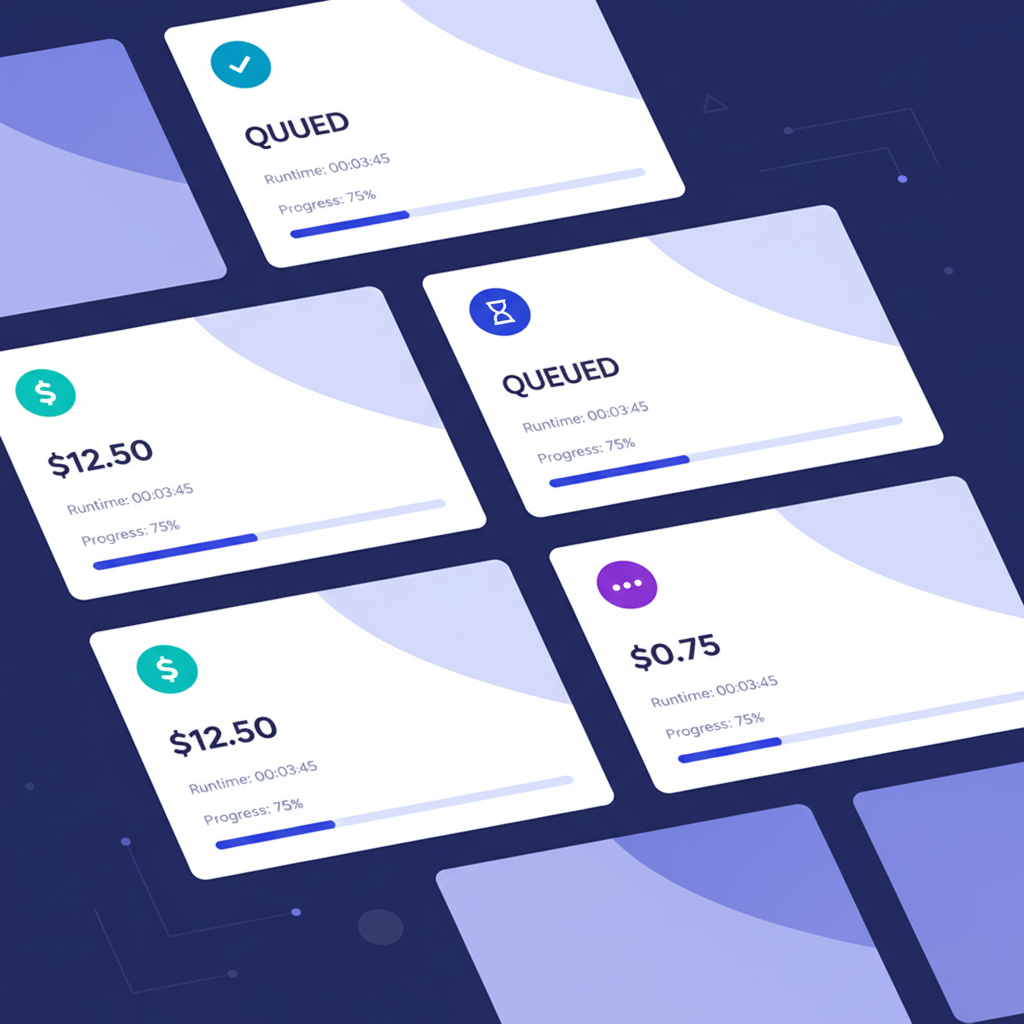
The sidebar gives you a high-level view of all active agents. Each thread shows:
- Status badge: Running (green), Queued (yellow), Idle (gray), Needs Attention (red)
- Task preview: The first line of the prompt you sent
- Runtime: How long the agent has been working
- Cost: Accumulated API cost for this thread
Conversation View
Click any thread to see its full conversation stream. Claude Code's output appears in real time -- you can see which files it is reading, what edits it is making, and what commands it is running. This is the same output you would see in the terminal, but formatted for readability.
Switching Between Agents
Click between threads in the sidebar to check on different agents. Each thread maintains its own scroll position and state. You are not losing context when you switch -- everything is preserved.
Cost Tracking
Each thread displays its running cost. After a multi-agent session, you can see exactly how much each task cost. A typical breakdown might look like:
- Frontend components: $1.20
- API endpoints: $0.85
- Test suite: $1.45
- Total session: $3.50
This visibility lets you make informed decisions about which tasks are worth automating and which are better done manually.
Step 4: Reviewing Changes and Merging Work
Once all three agents finish, you need to review and integrate their changes. Here is the recommended workflow:
Review each agent's output. Click through each thread and review the conversation. Claude Code shows you exactly what files it created or modified, with diffs. Check that the code matches your expectations.
Run your existing checks. Open a new thread and ask Claude Code to run your linting, type checking, and test suite against the combined changes:
Handle conflicts. If agents modified overlapping files (rare when tasks are well-scoped, but possible), you will see merge conflicts. You can ask a new agent to resolve them:
Iterate. If an agent's output needs refinement, send a follow-up message in that same thread. The agent retains full context of the conversation and can make targeted adjustments without re-reading the entire codebase.
Under the Hood: Queue System Architecture
SuperBuilder's reliability comes from its queue system, which handles the messy realities of running multiple Claude Code processes. Understanding how it works helps you use it more effectively.
Message Queue Processing
When you send a message in a thread, it enters a persistent SQLite-backed queue. The queue processor checks two things before dispatching:
- Is the thread already running? If so, the message waits until the current task completes.
- Are there available slots? SuperBuilder respects your concurrency limits to avoid hammering rate limits.
Messages are processed in order per thread, but different threads process independently. This means Thread 2 does not wait for Thread 1's queue -- only for its own.
Zombie Thread Detection
One of the most frustrating problems with long-running CLI agents is process hangs. A network timeout, a malformed API response, or a PTY error can leave a process stuck indefinitely. SuperBuilder handles this at multiple levels:
Parse failure tracking. Every Claude Code response is parsed as JSON (Claude Code uses --output-format stream-json). If a thread generates 10+ parse failures within 5 seconds -- typically caused by corrupted output with ANSI escape codes instead of valid JSON -- SuperBuilder kills and restarts the process automatically.
Idle detection. A background reaper runs every 15 seconds and checks all active threads. Any thread that has not produced output in 60 seconds is flagged as potentially stuck. The emergency kill function terminates the PTY process and frees the queue slot.
Spawn timeout. When a new Claude Code process is spawned, a 30-second timer starts. If the process does not confirm it is running within that window, it is killed and the task is re-queued. This prevents the queue from getting permanently blocked by a process that failed to start.
Rate Limit Handling
When Claude Code hits a 429 rate limit from the Anthropic API, SuperBuilder detects the error in the output stream. Instead of letting the agent fail, it:
- Pauses the thread
- Waits for the rate limit window to pass (using exponential backoff)
- Retries the request automatically
- Updates the thread status so you can see what happened
This means you can queue up more tasks than your rate limit technically allows, and SuperBuilder will drip-feed them through as capacity becomes available.
Broadcasting and IPC
All agent events (new output, status changes, cost updates, thread completion) are broadcast to every open window using Electron's IPC system. This avoids the silent-failure bug that plagues manual approaches -- if a window was temporarily unavailable when an event fired, no data is lost. The broadcast iterates all active windows and delivers to each one independently.
Real Workflow Examples
Here are three production workflows that demonstrate the power of parallel agents.
Workflow 1: Feature Branch Sprint
You are building an authentication overhaul. You create four agents:
| Agent | Task | Time | Cost |
|---|---|---|---|
| Auth API | Build OAuth2 endpoints with PKCE flow | 8 min | $2.10 |
| Auth UI | Create login/signup/reset password pages | 6 min | $1.75 |
| Auth Tests | Write E2E tests with Playwright | 7 min | $1.90 |
| Auth Docs | Update API documentation and changelog | 3 min | $0.60 |
Sequential time: ~24 minutes. Parallel time: ~8 minutes. The agents work on different files, so conflicts are minimal. The documentation agent finishes first and you review it while the others are still running.
Workflow 2: Codebase Migration
You need to migrate 120 components from CSS Modules to Tailwind. You split them into three batches by directory:
- Agent 1:
src/components/common/(40 components) - Agent 2:
src/components/features/(45 components) - Agent 3:
src/components/layouts/(35 components)
Each agent gets the same instructions with a different directory scope. They run simultaneously and finish within a few minutes of each other. You then run a fourth agent to verify all the changes compile and no styles broke.
Workflow 3: Debug Investigation
Your production monitoring shows intermittent 500 errors. You are not sure where the bug is, so you fan out:
- Agent 1: "Investigate the authentication middleware for race conditions. Check src/middleware/auth.ts and related files."
- Agent 2: "Investigate the database connection pool for leak patterns. Check src/db/pool.ts and query logs."
- Agent 3: "Investigate the Redis cache layer for stale data issues. Check src/cache/ and TTL configurations."
Agent 2 finds the bug (a connection not being released in an error path) in 4 minutes. You stop the other two agents and ask Agent 2 to implement the fix. Total investigation time: 4 minutes instead of the 12+ it would have taken sequentially.
Tips for Running Parallel Agents Effectively
Scope tasks to minimize file overlap. The biggest source of problems with parallel agents is two agents editing the same file simultaneously. Design your prompts so each agent works on a different part of the codebase. Split by directory, by layer (frontend/backend/tests), or by feature boundary.
Use plan mode for risky tasks. If an agent is working on critical code, use the "Plan" execution mode. The agent will describe what it plans to do and wait for your approval before making changes. This adds a review step without losing the parallelism benefits for your other agents.
Start with two agents, then scale up. If you are new to multi-agent workflows, start with two parallel agents. Get comfortable with the monitoring and review workflow before adding a third or fourth. The cognitive overhead of managing four agents is real -- SuperBuilder helps, but you still need to review the output.
Use specific file paths in prompts. The more specific your prompt, the less time the agent spends exploring. Instead of "update the tests," say "write tests for src/api/routes/settings.ts in tests/api/settings.test.ts." This reduces runtime, cost, and the chance of file conflicts.
Let the queue work for you. You do not need to wait for agents to finish before sending more tasks. Queue up all your tasks at once and let SuperBuilder handle the scheduling. This is especially useful at the end of the day -- queue five tasks, walk away, and review the results in the morning.
Monitor costs as you go. Per-thread cost tracking is not just for billing -- it is a signal of task complexity. If an agent is burning through tokens, it might be stuck in a loop or exploring too broadly. Check on it and refine the prompt if needed.
FAQ
How many agents can I run simultaneously?
SuperBuilder itself has no hard limit on concurrent threads. The practical limit comes from Anthropic's API rate limits on your account tier. Most developers find that 2-4 concurrent agents is the sweet spot -- enough to see significant speedups without hitting rate limits constantly.
Does this require a special API key or subscription?
No. SuperBuilder uses your existing Claude Code setup. If you have Claude Code working in your terminal, SuperBuilder will work. It runs the same claude CLI binary under the hood.
Will parallel agents conflict with each other?
They can, if you send them to work on the same files. The key is scoping your tasks so each agent works on a distinct part of the codebase. SuperBuilder does not enforce file locks -- it trusts you to design non-overlapping tasks. If conflicts do happen, you can resolve them with a follow-up agent.
Is SuperBuilder free?
Yes. SuperBuilder is free and open source (MIT license). You can download it from superbuilder.sh or build it from source on GitHub.
Does SuperBuilder work on Linux and Windows?
The macOS version is available now. Linux and Windows builds are in progress and expected soon. Since SuperBuilder is built on Electron, the cross-platform work is mostly packaging and testing.
What happens if an agent crashes?
SuperBuilder's zombie detection system catches crashed or hung agents automatically. The process is killed, the queue slot is freed, and you can re-run the task. Crash details are logged so you can see what went wrong.
Can I use this with other AI coding tools besides Claude Code?
Currently SuperBuilder is built specifically for Claude Code. Support for other CLI-based coding agents (like Aider or OpenCode) is on the roadmap.
Get Started with SuperBuilder
Running multiple Claude Code agents in parallel is the single biggest productivity unlock for developers who already use Claude Code daily. SuperBuilder makes it practical with visual management, automatic queue handling, and the reliability features needed for long-running multi-agent sessions.
Download SuperBuilder for free at superbuilder.sh.
It takes under two minutes to install and requires no additional configuration beyond what you already have for Claude Code. Open it, add your project, and start your first multi-agent workflow today.
If you find it useful, star the repo on GitHub and share it with your team. Every contribution and piece of feedback helps make multi-agent development better for everyone.
